The retoucher for online sellers.
Your phone photo.
Listing-ready.
Product untouched.
Free to start. No card.
Your realproduct.
Exact
Your product’s own pixels. Only the light and the background change.
Relight ✦
Your product, re-shot by AI in new studio light.
Your product stays yours
One phone photo. Every look.
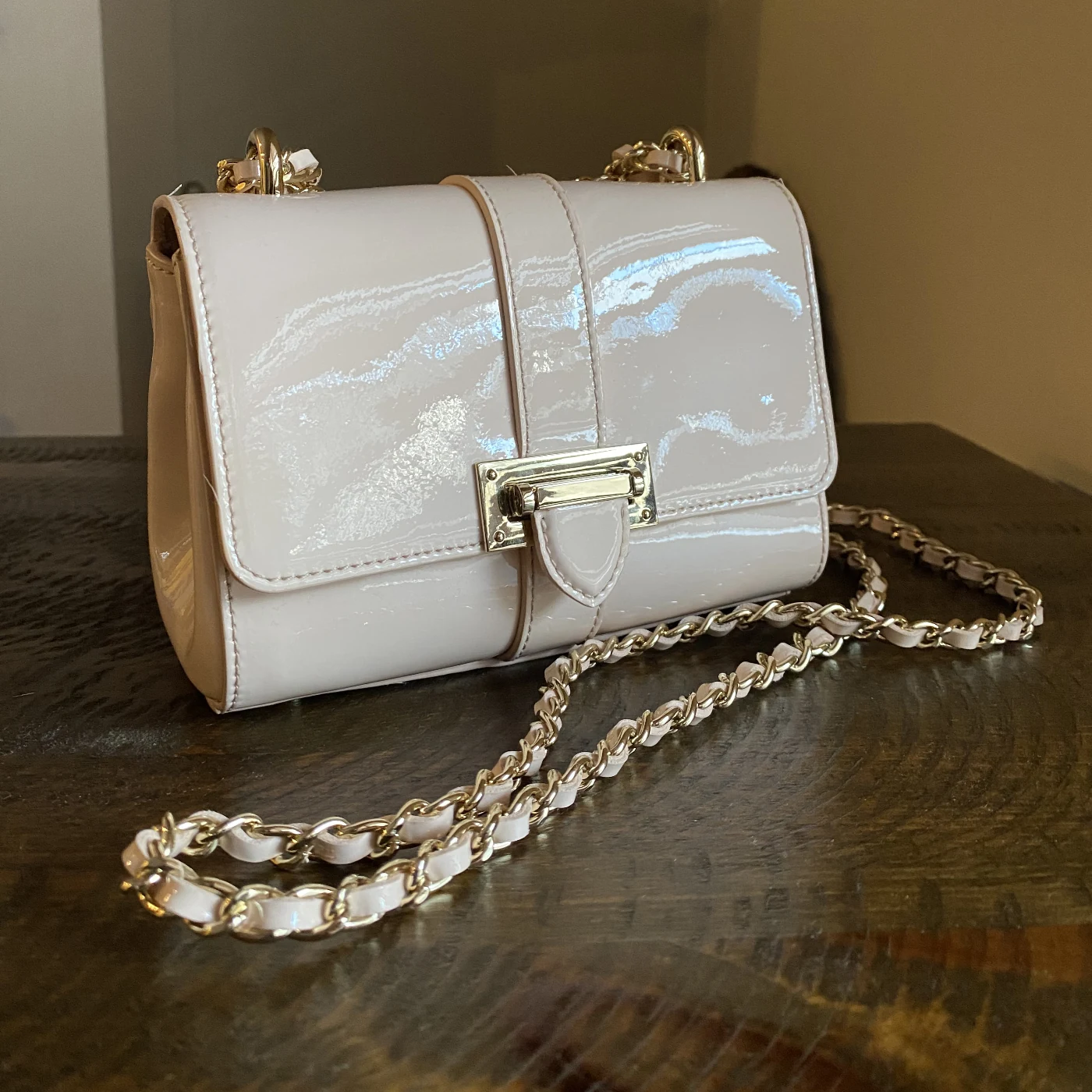
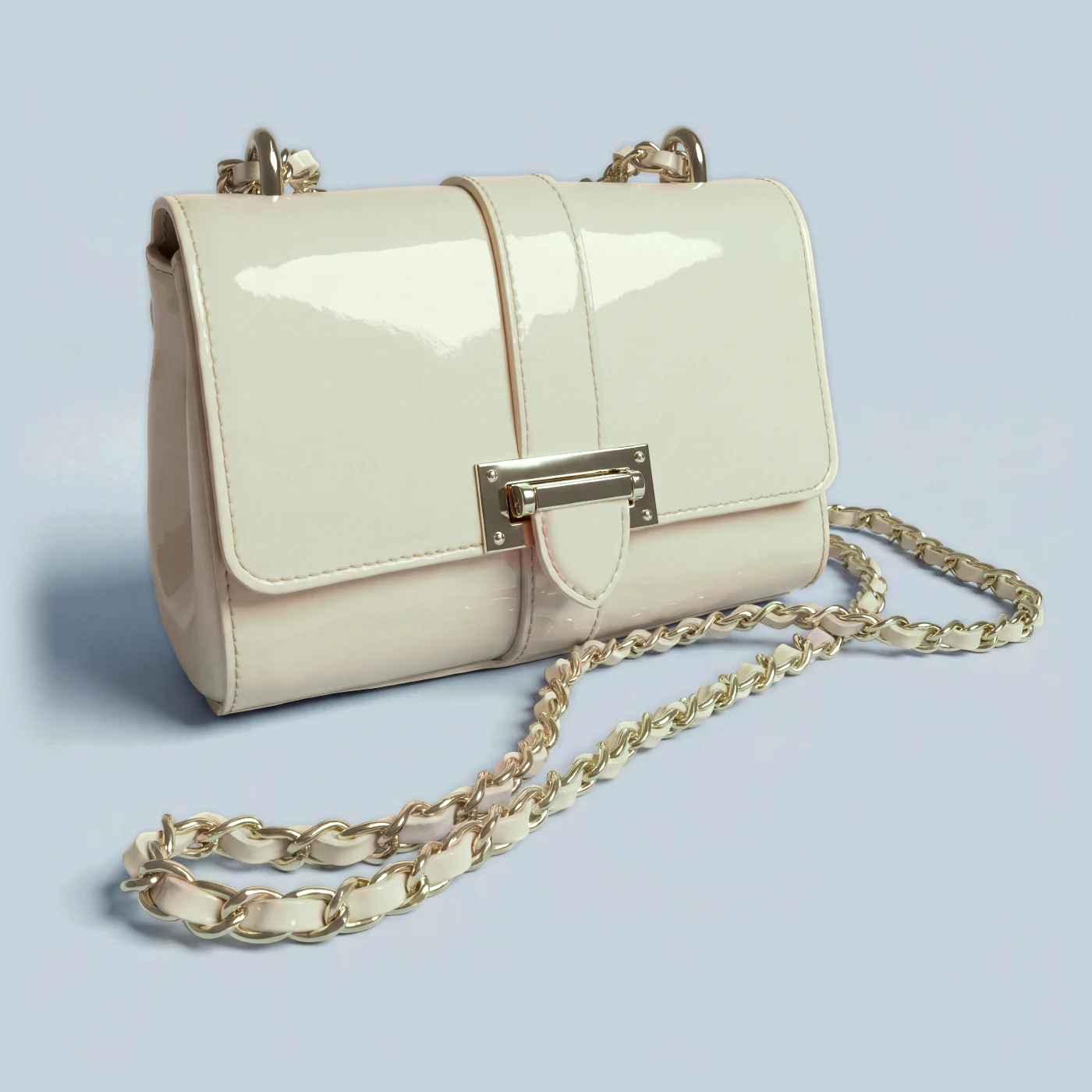
A bag on a table at home, finished four ways. Press each look, then drag the band back to the phone photo.
Your brand colour ✦. AI re-shoots the bag in studio light on your colour, to the hex: #C7D3DA.
Retouch fabric & skin
Agentic retouching.
An agent inspects the photo the way a retoucher would. It reads the outfit first, protects the seams and cords that need to stay sharp, then marks the specks, the pilling and every wrinkle.
- Looked at
- 116 spots on this outfit
- Wrinkles
- 36, which only AI ✦ can take out
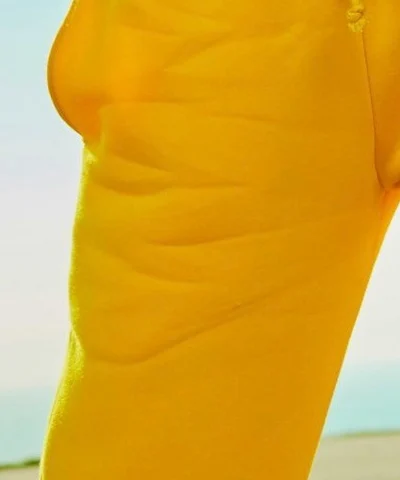
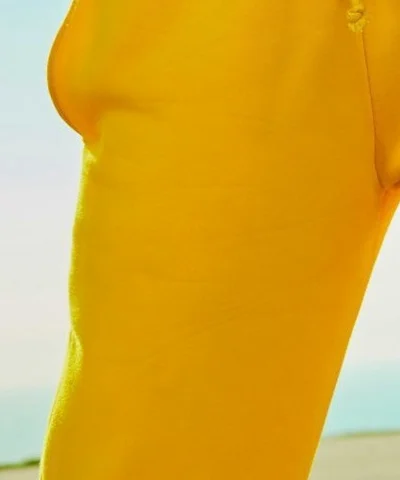
Then it goes in. At 100 %, AI ✦ takes the wrinkles out and keeps only the smoothed shading. The cloth grain and every seam, cord and hem are still your photo’s.
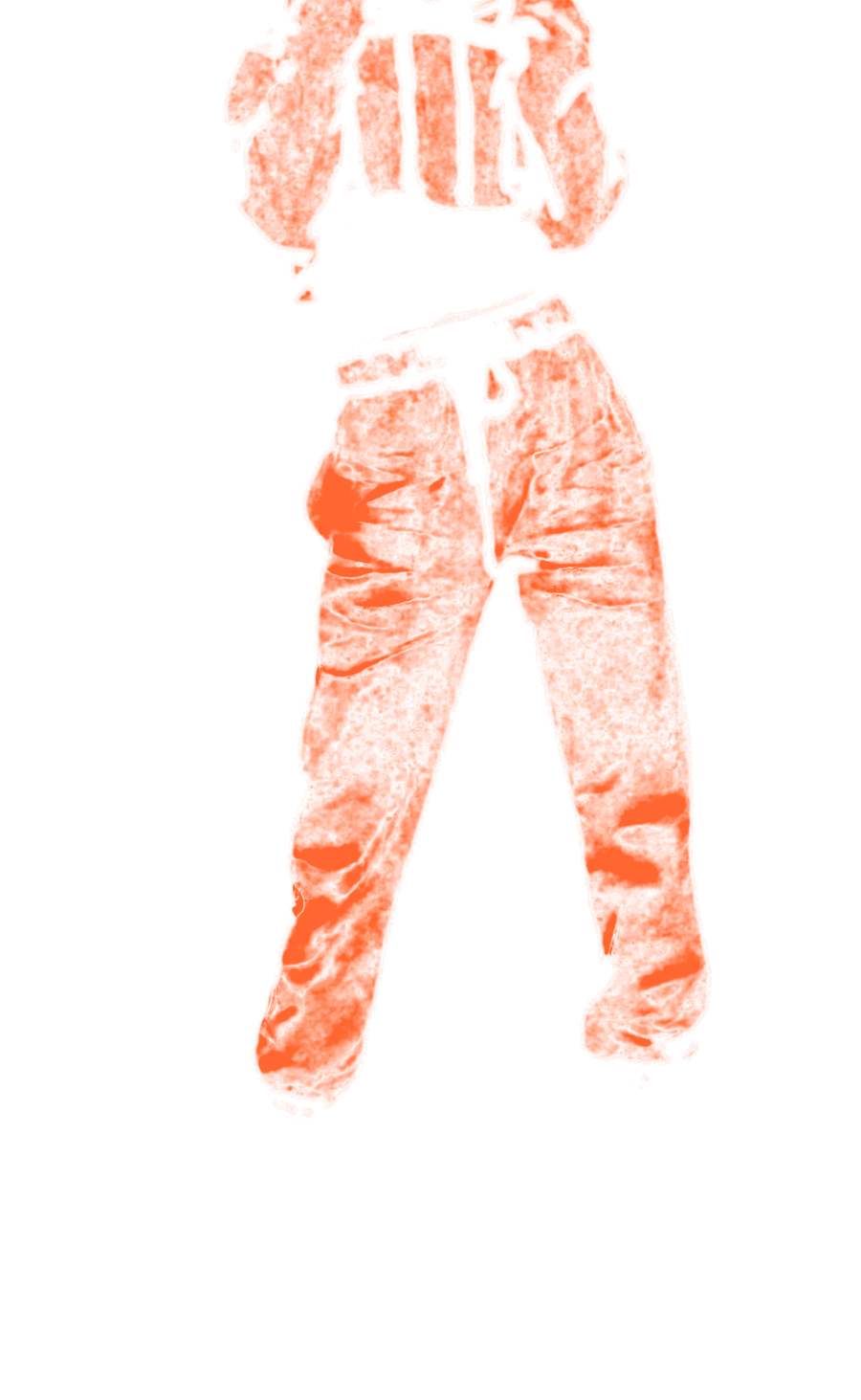
And it shows its work: every pixel it changed, lit. Outside the outfit, not one.
- Changed
- The shading on 36% of the outfit
- Outside the outfit
- 0 pixels
- Took
- 54 s for the whole photo
Recolor ✦
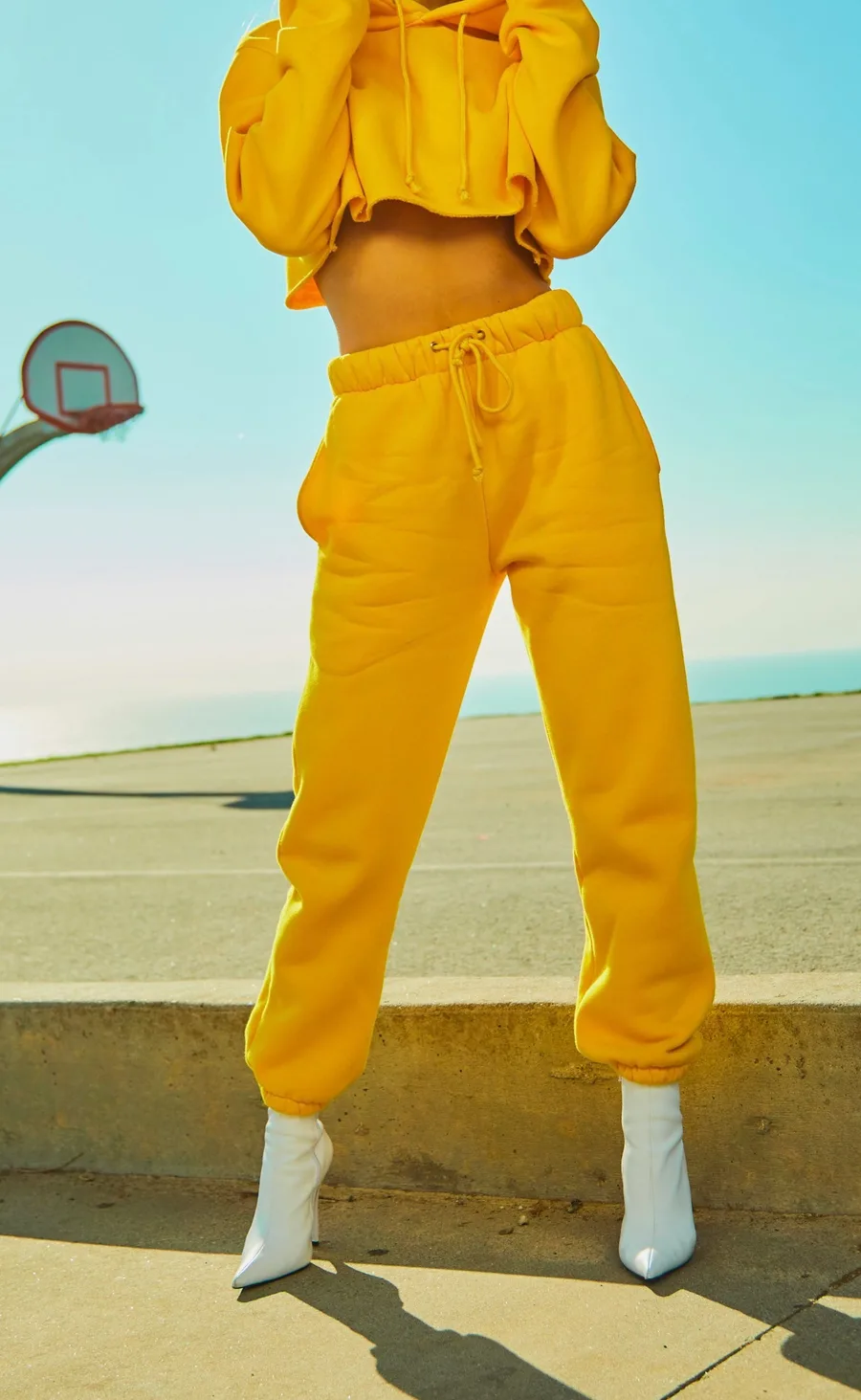
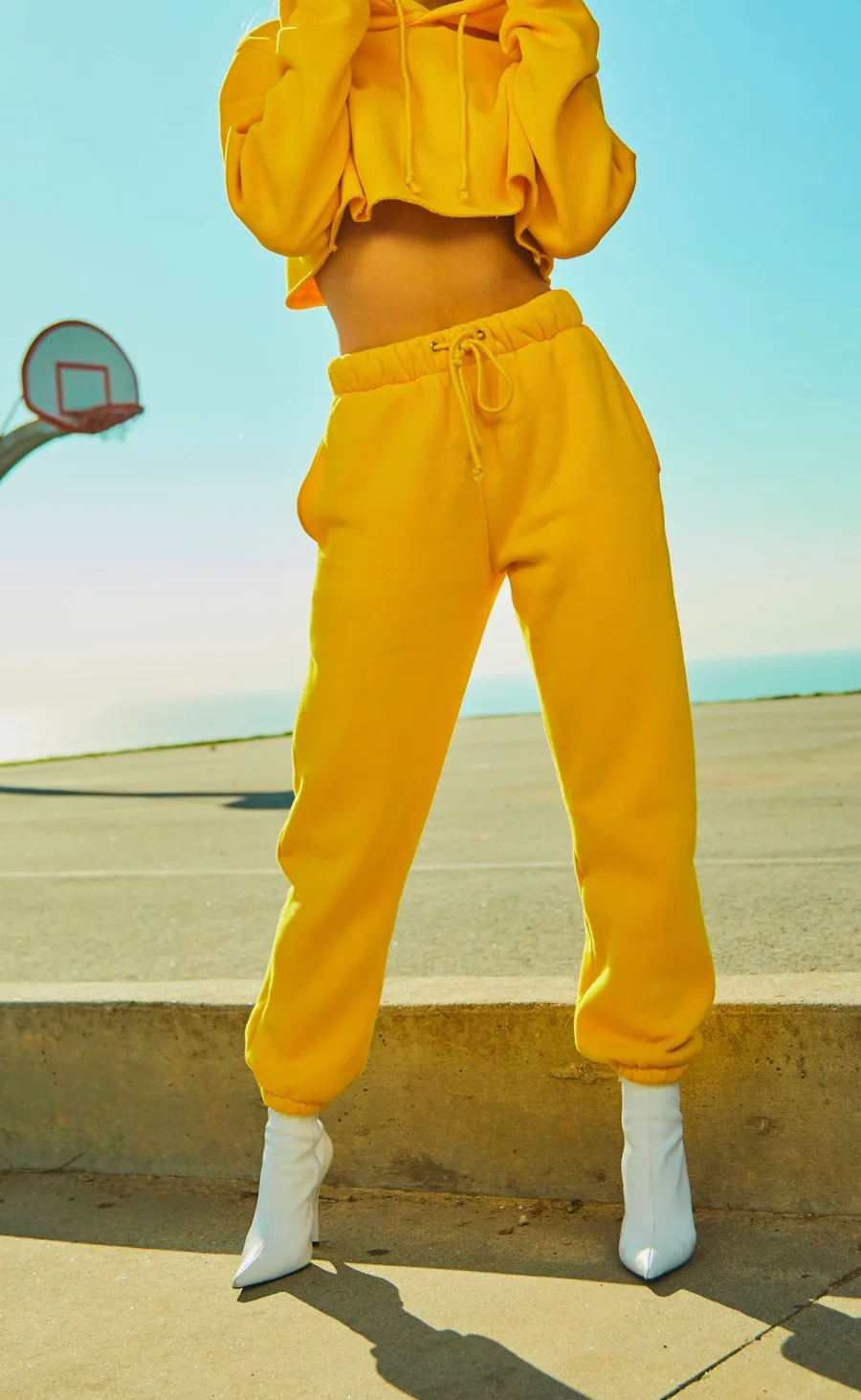
Two garments, four colours.
Pick the garment and the colours you sell, then press once: each colour comes back as its own photo, folds and seams included. Nothing outside the garment changes.
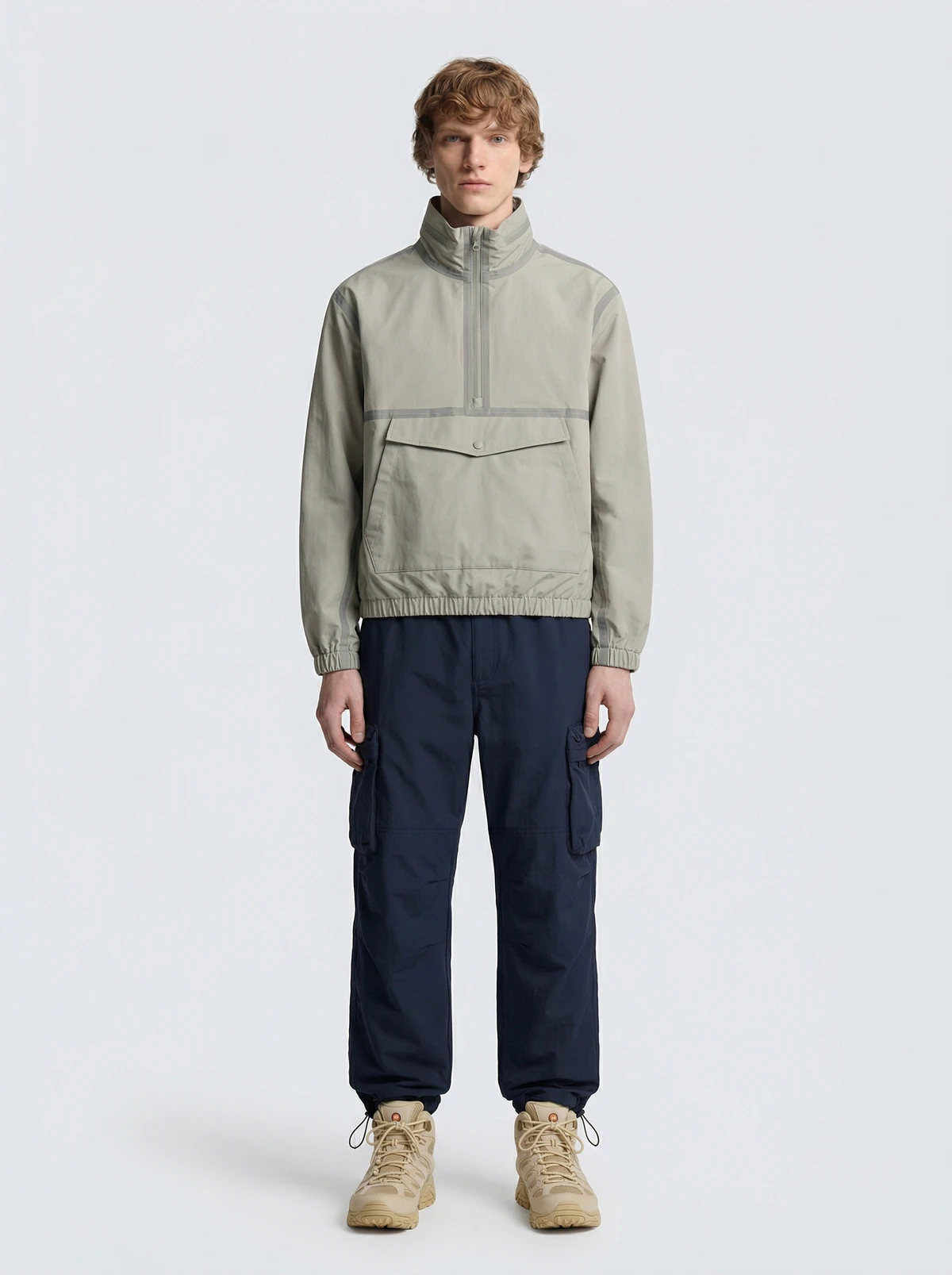
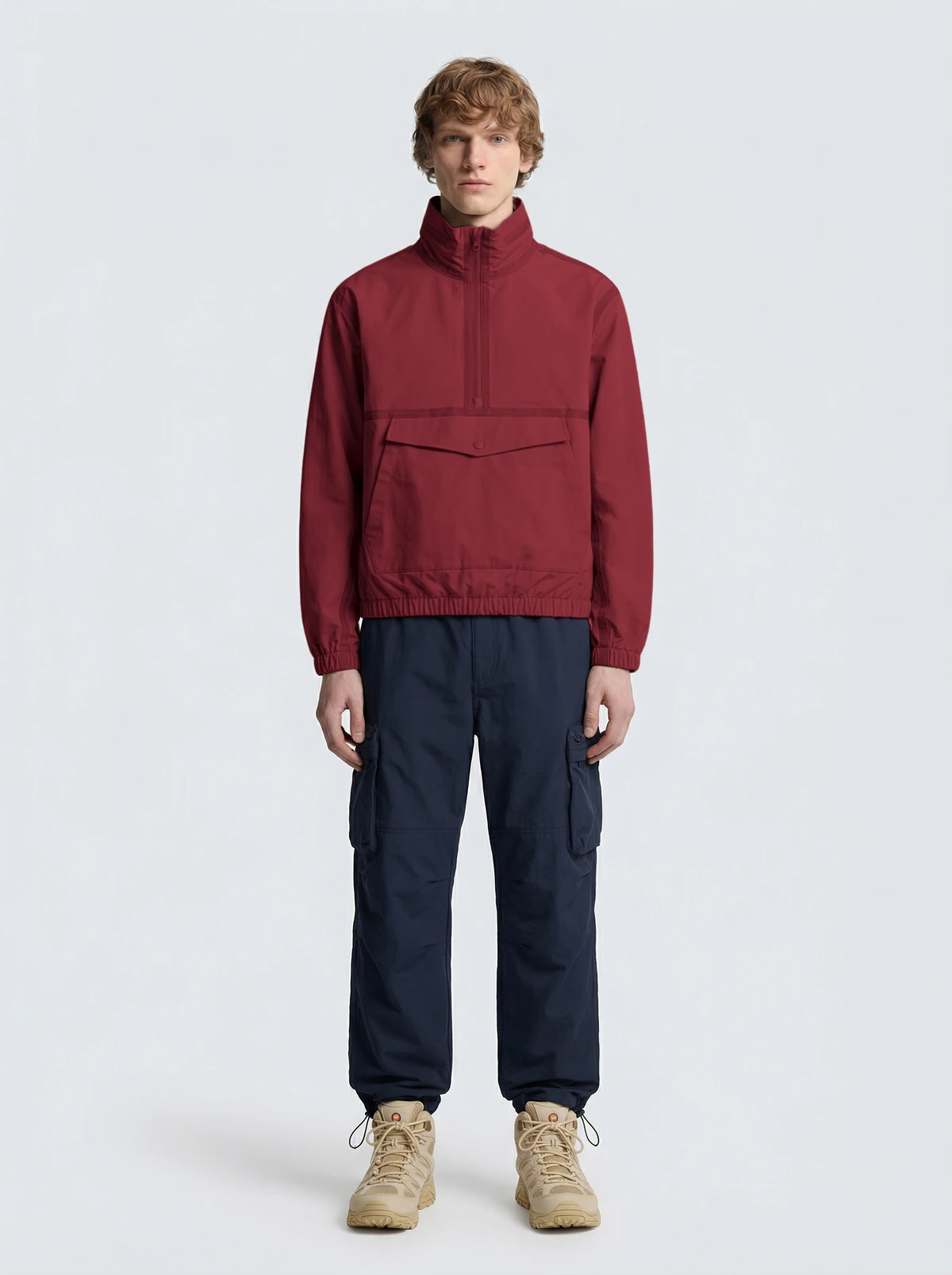
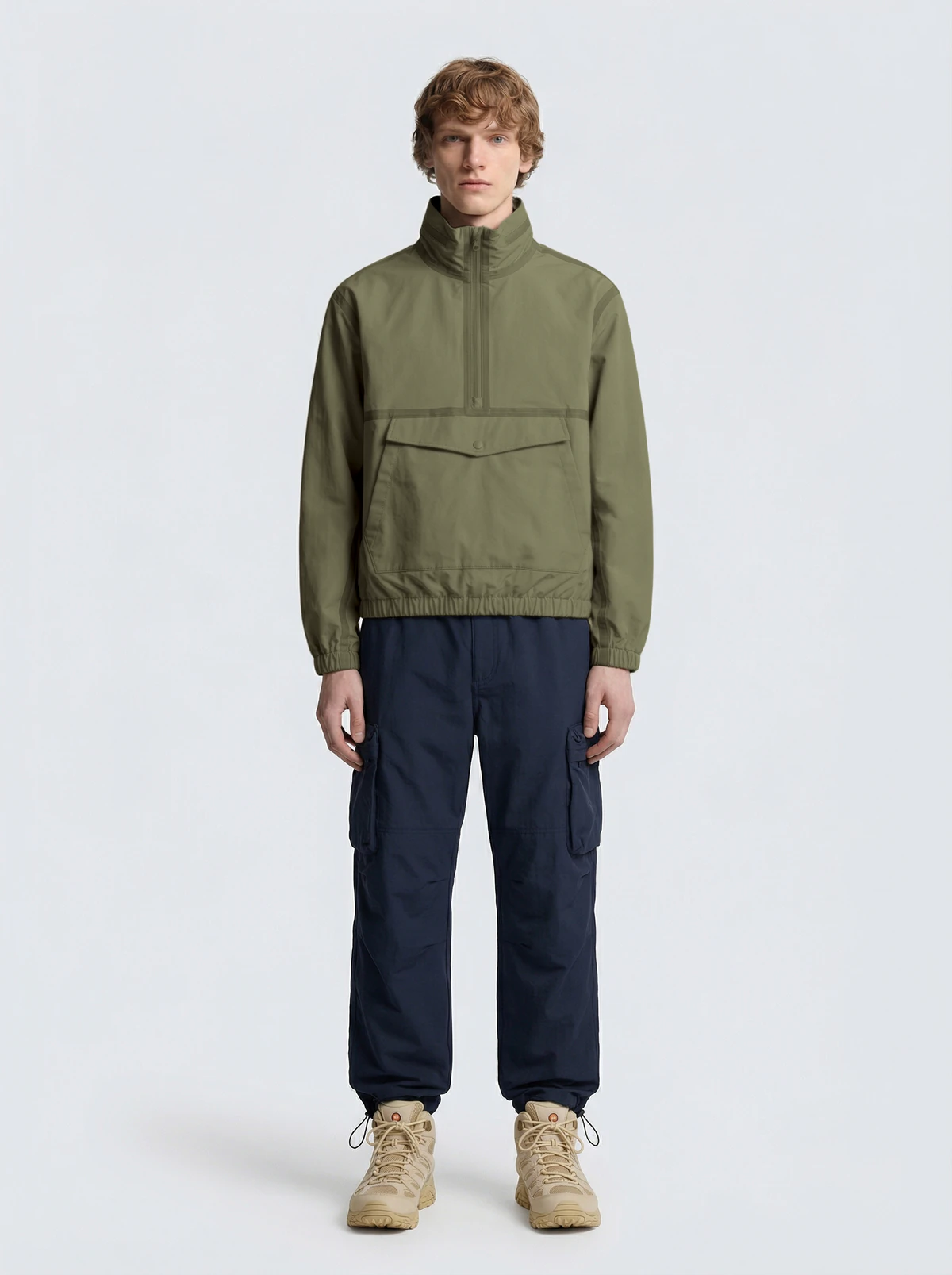
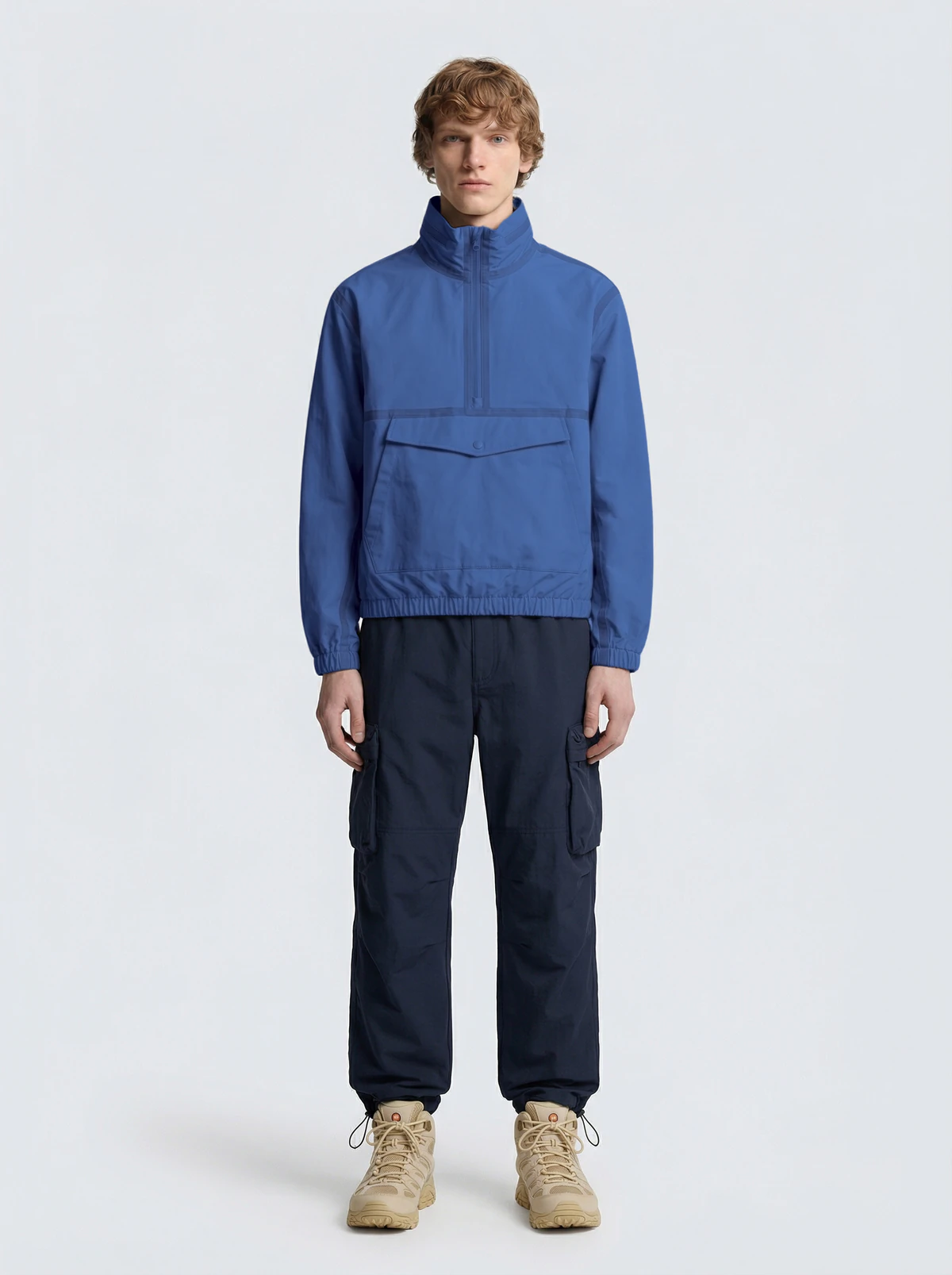
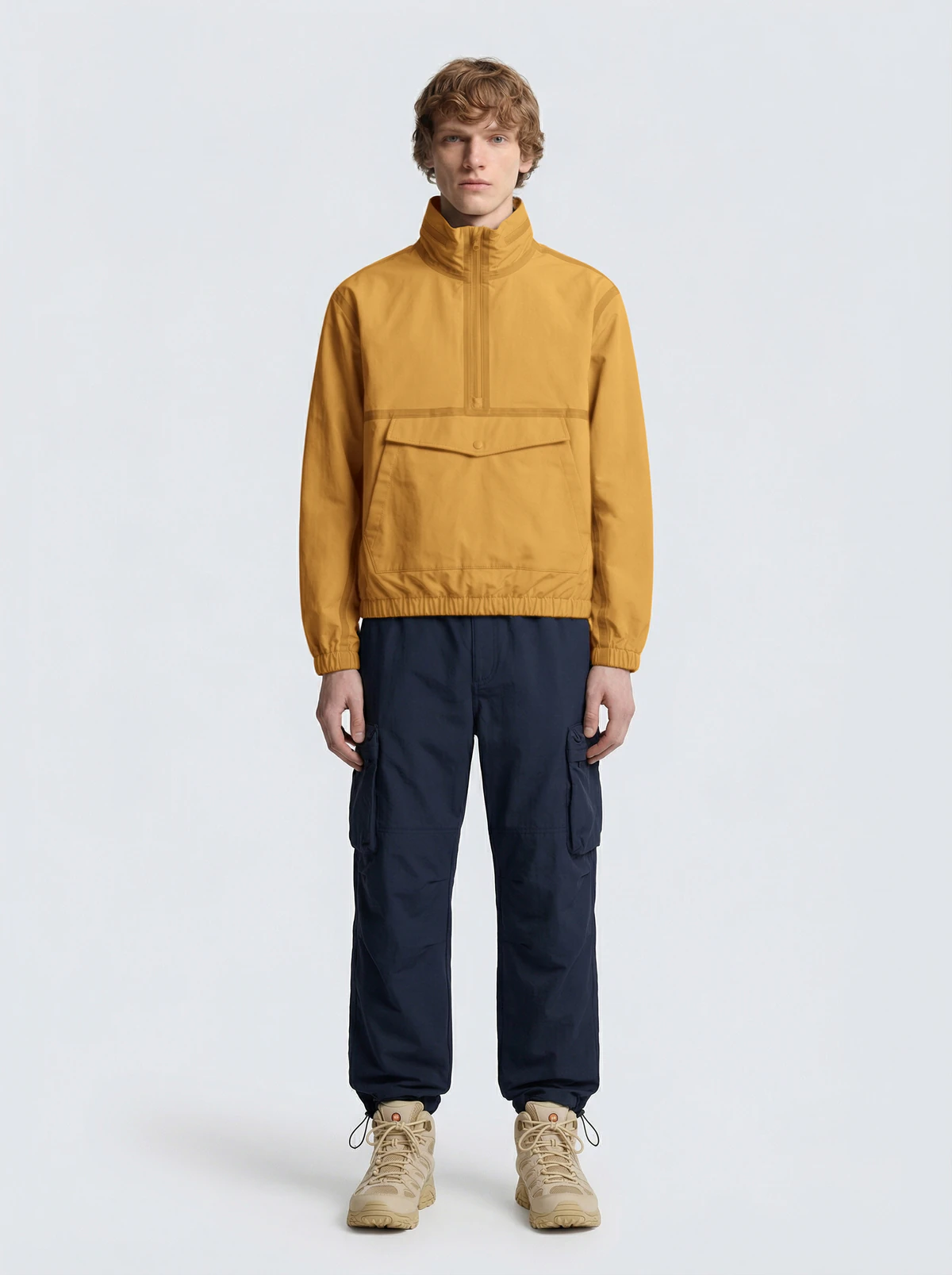
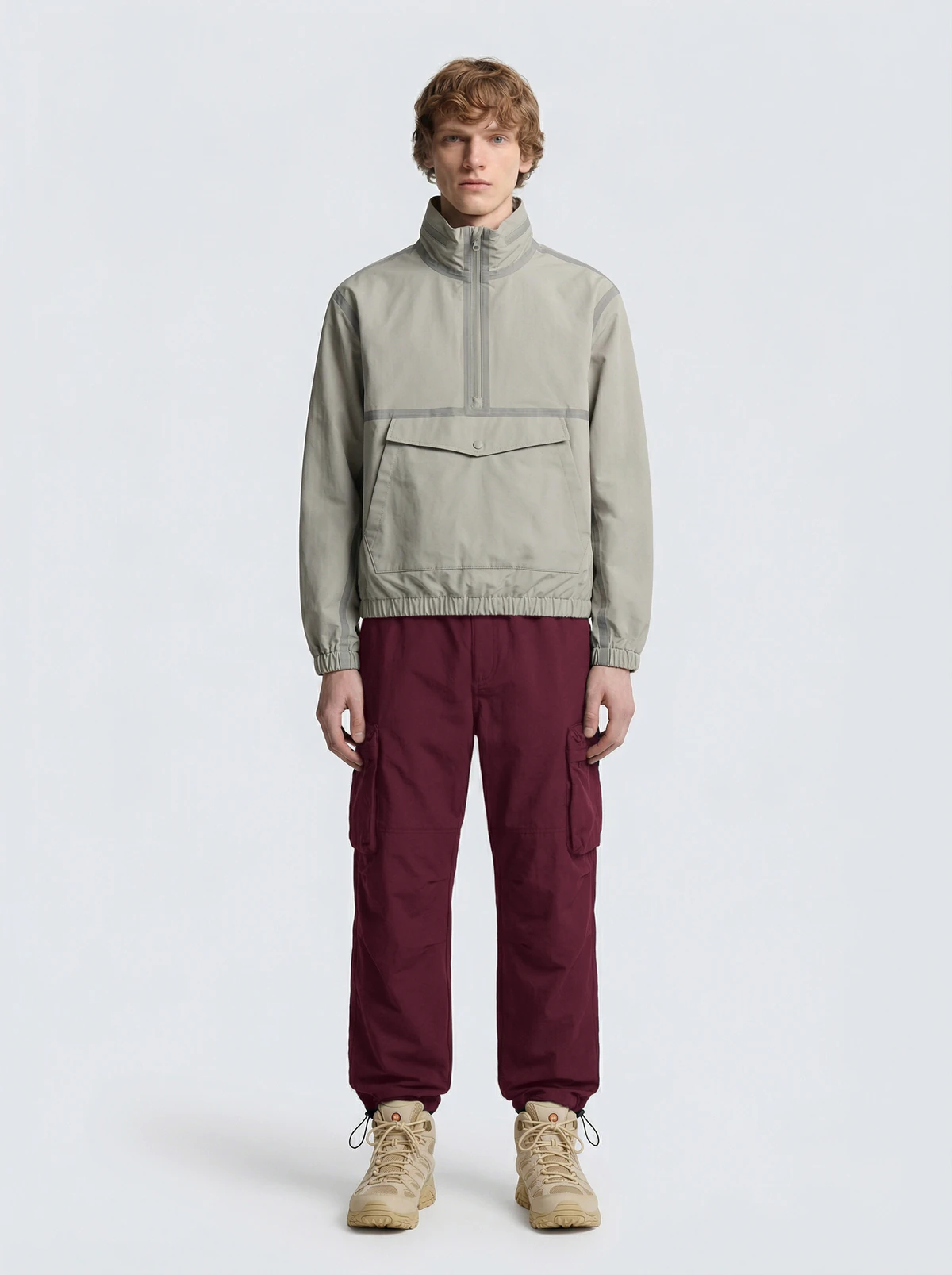
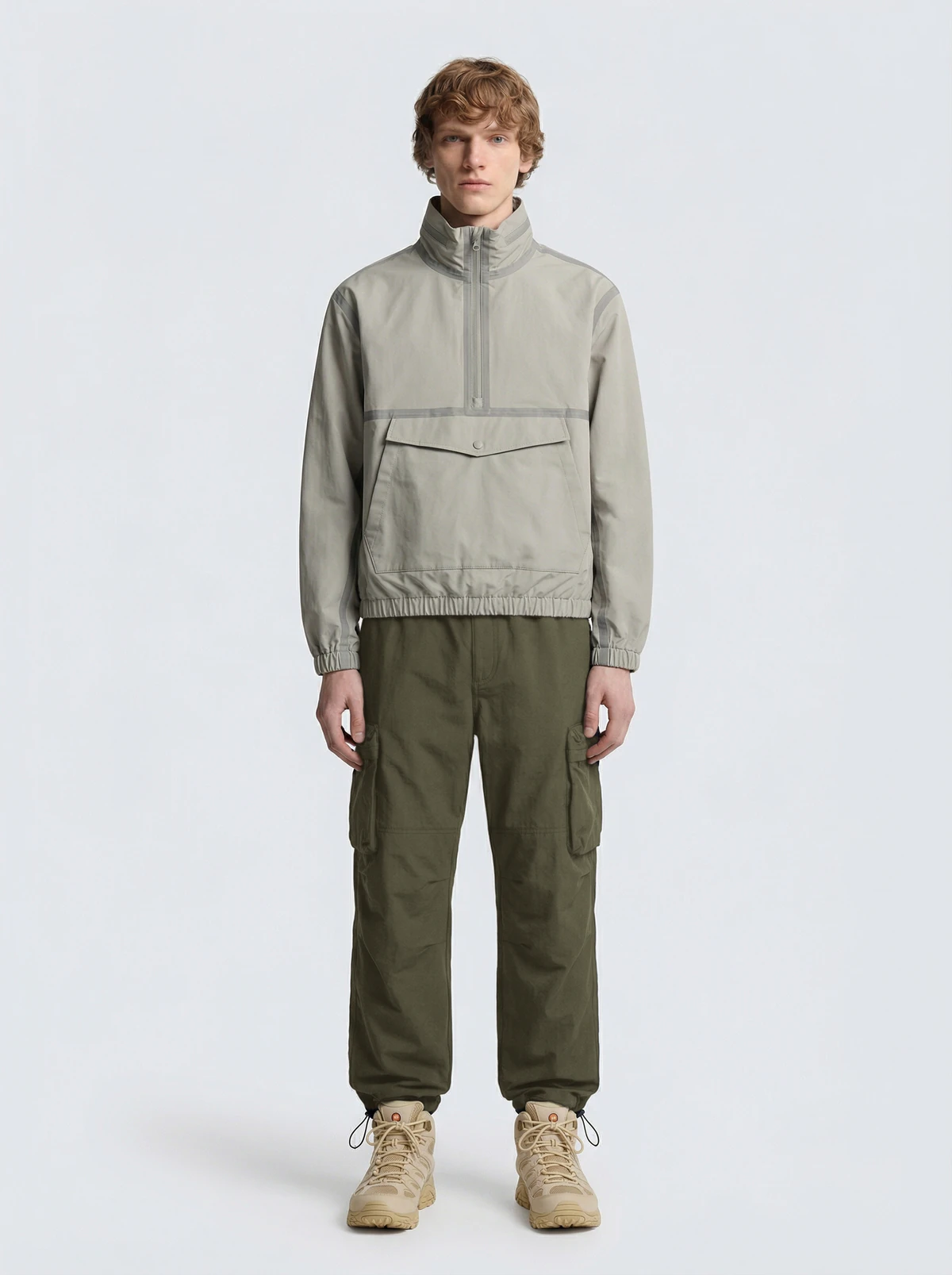
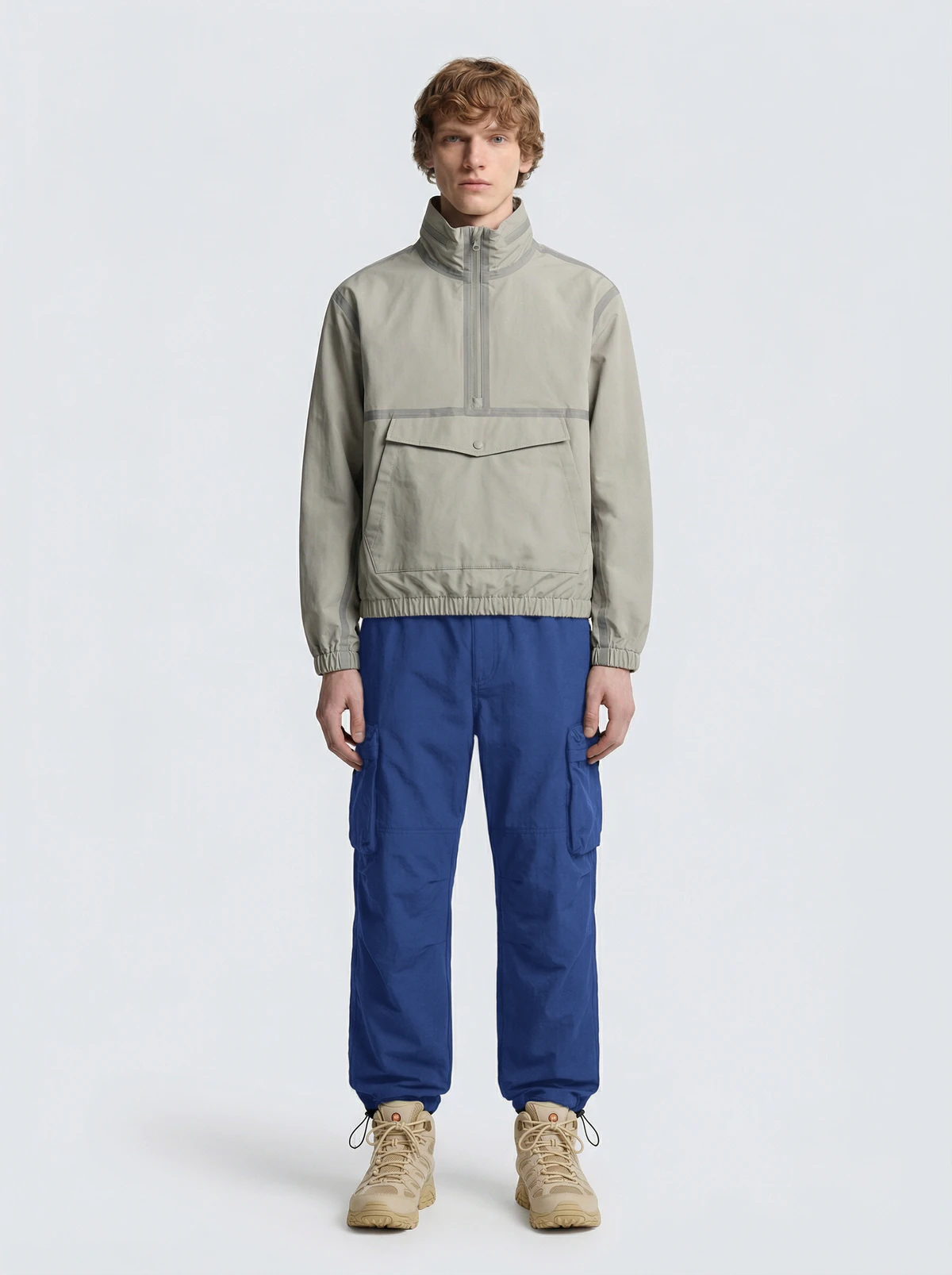
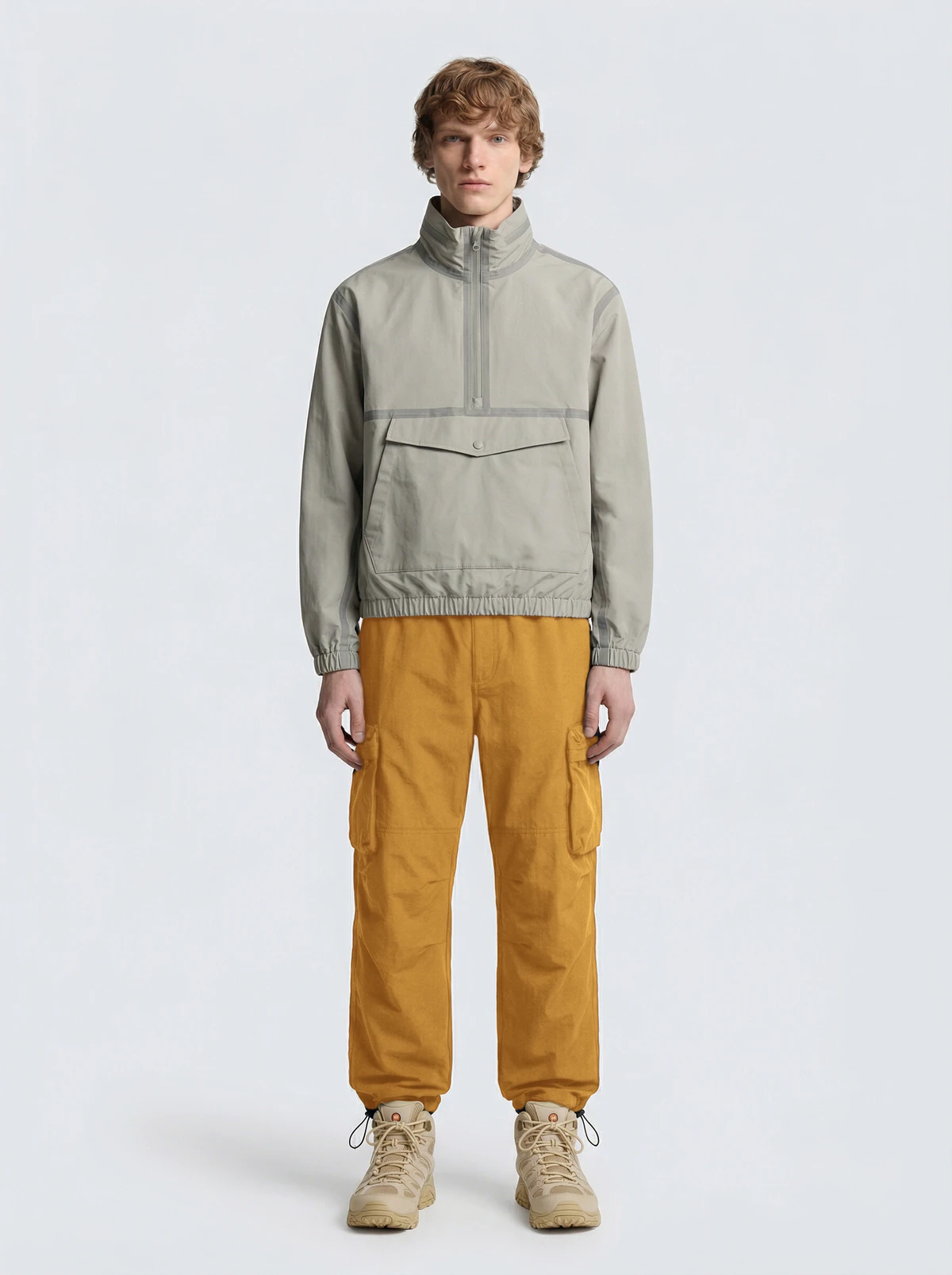
The photo as it went in: a grey-beige half-zip over navy cargos and tan boots.
Studio · Scene ✦
Worn, without a shoot.
Nobody booked this terrace. Studio · Scene ✦ moved the shot here, pose included.
Put on a model ✦
On a model.
Before the terrace, a studio you never had to book. Put on a model ✦ put the vest on a model.
Clothing · Flat lay ✦
Laid flat.
Before that, Clothing ✦ took it off the hanger and laid it flat on white.
Phone photo
It started on a hanger.
One photo on your phone. That’s the only photo you take.
The set
From a hanger to a terrace.
One phone photo became three more for the listing. The ✦ marks what AI drew.
-
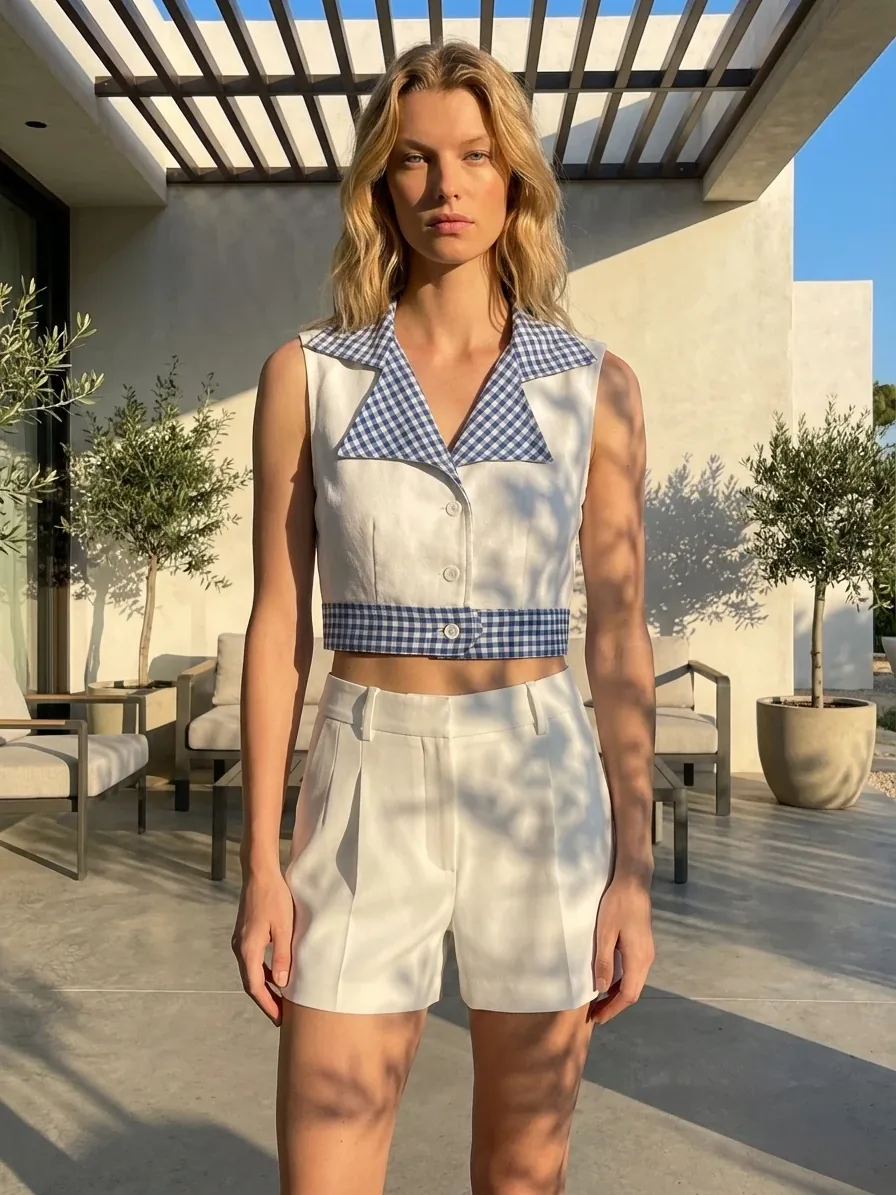
Studio · Scene ✦
-
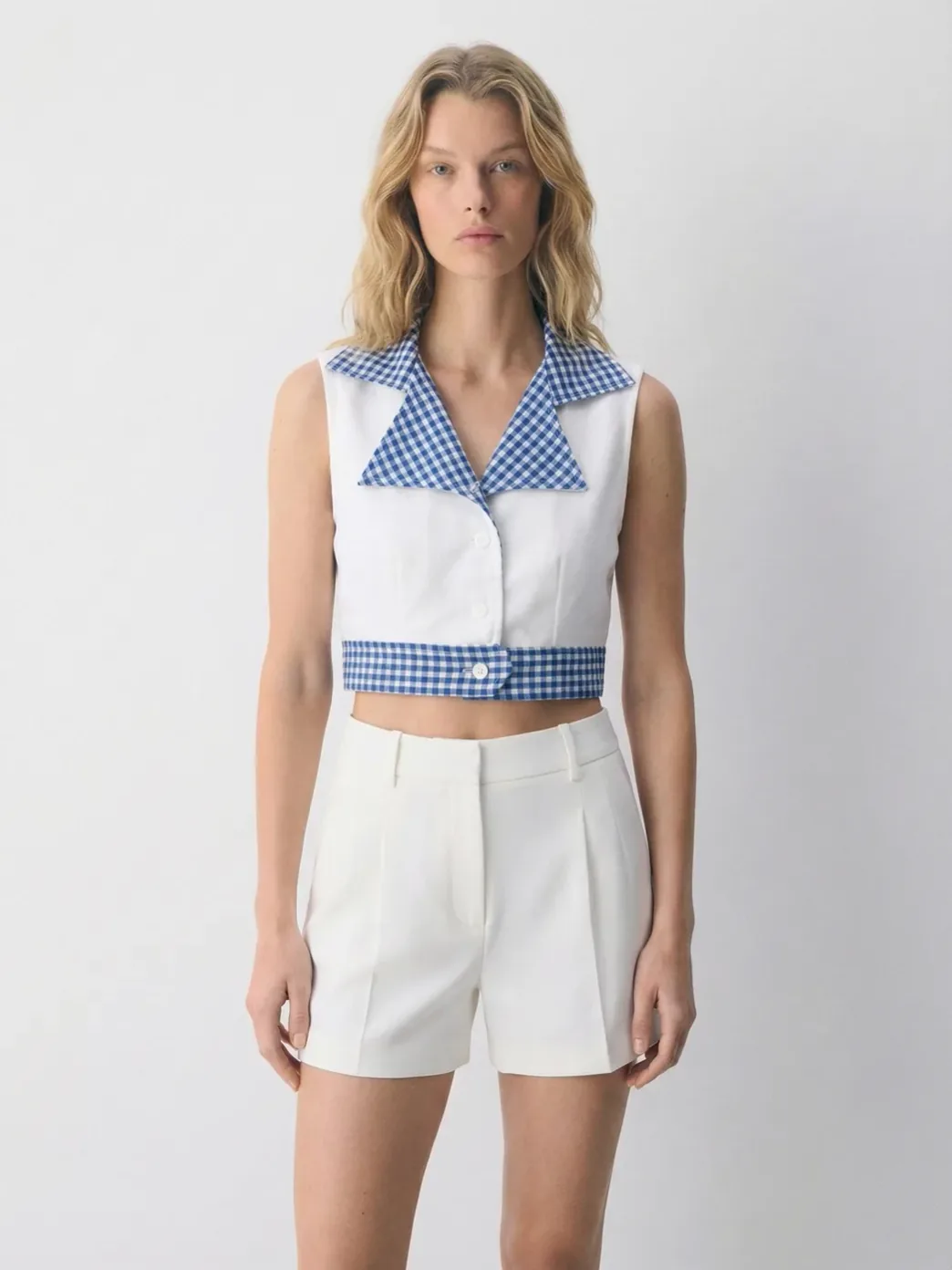
Put on a model ✦
-
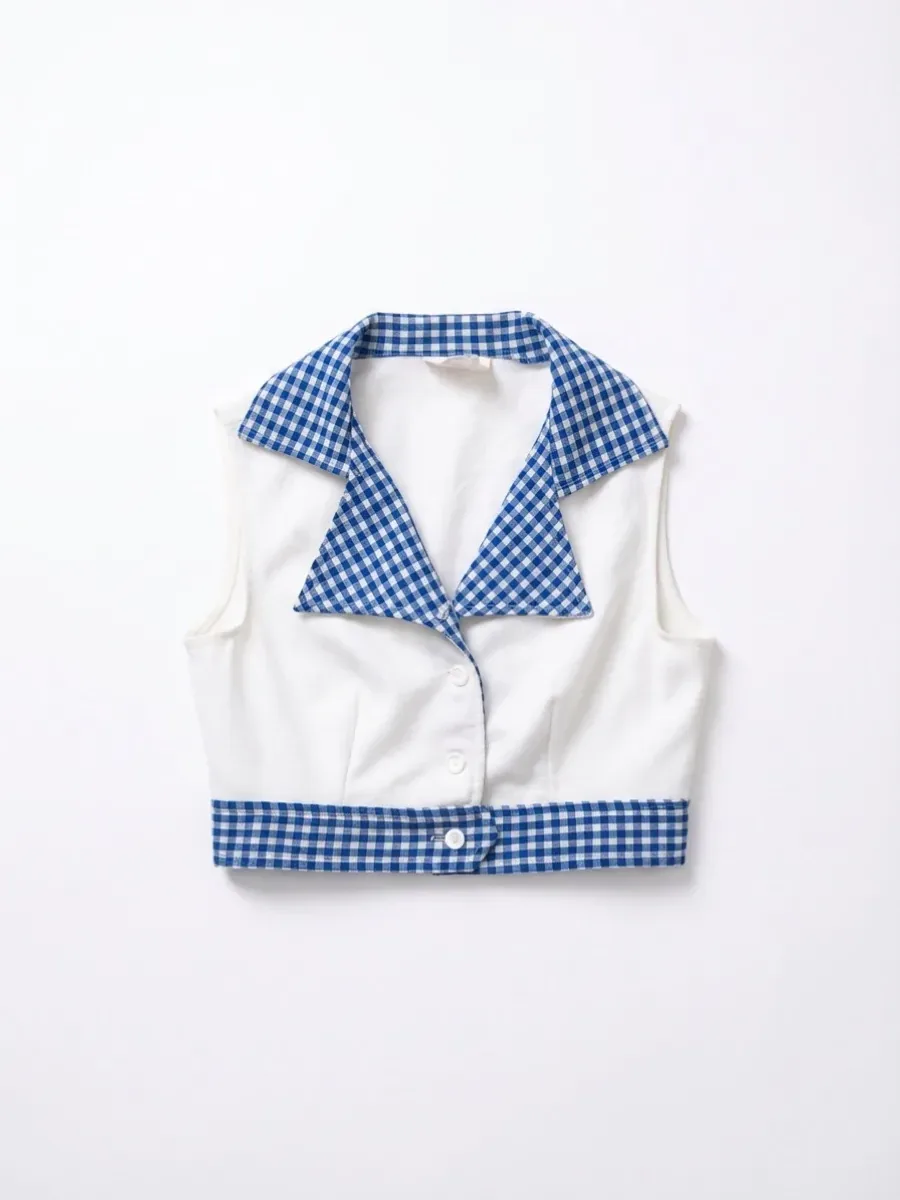
Clothing · Flat lay ✦
-
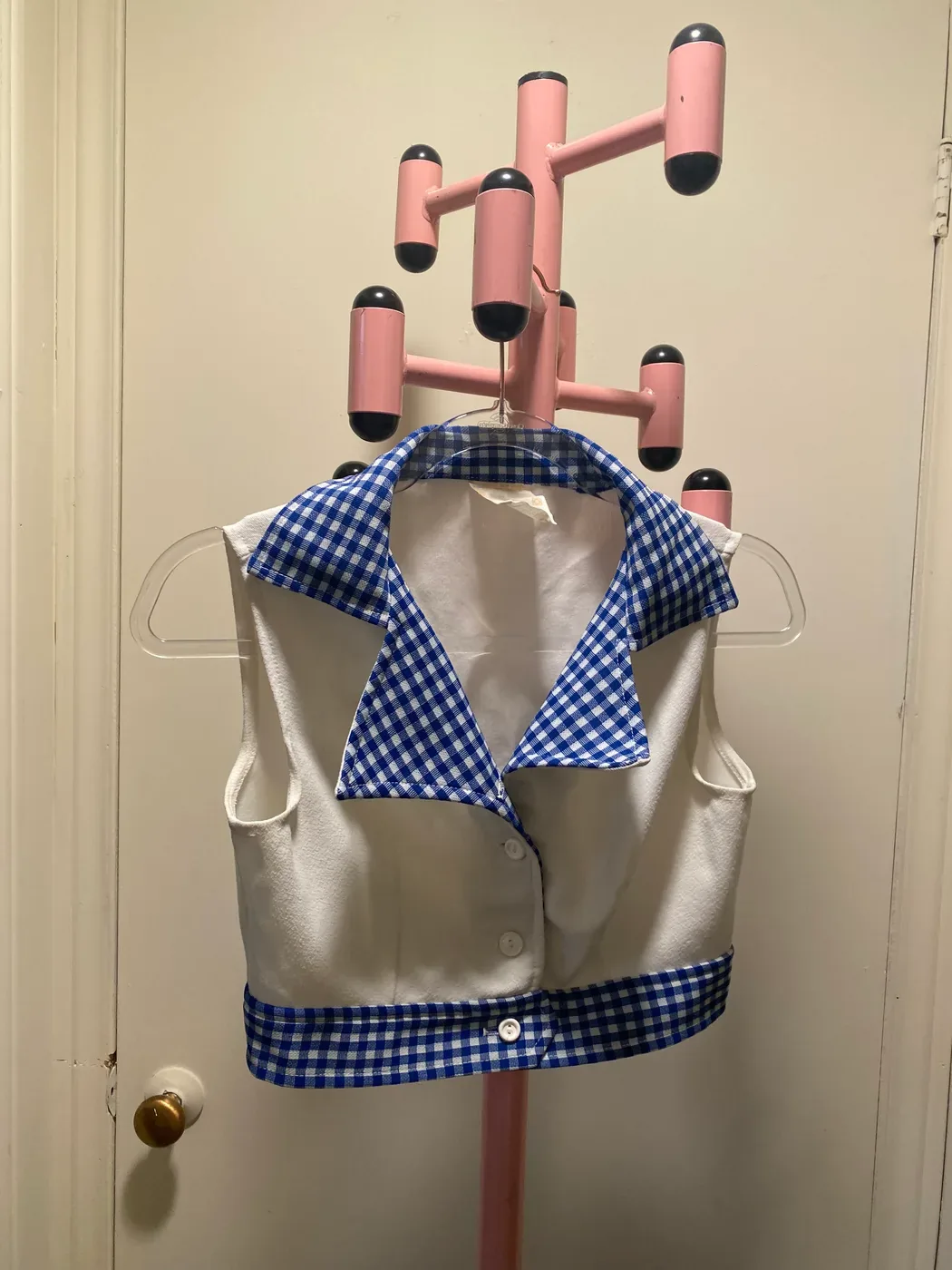
Phone photo
Region-specific models ✦
The same outfit and the same shot, on a model for each market you sell in.
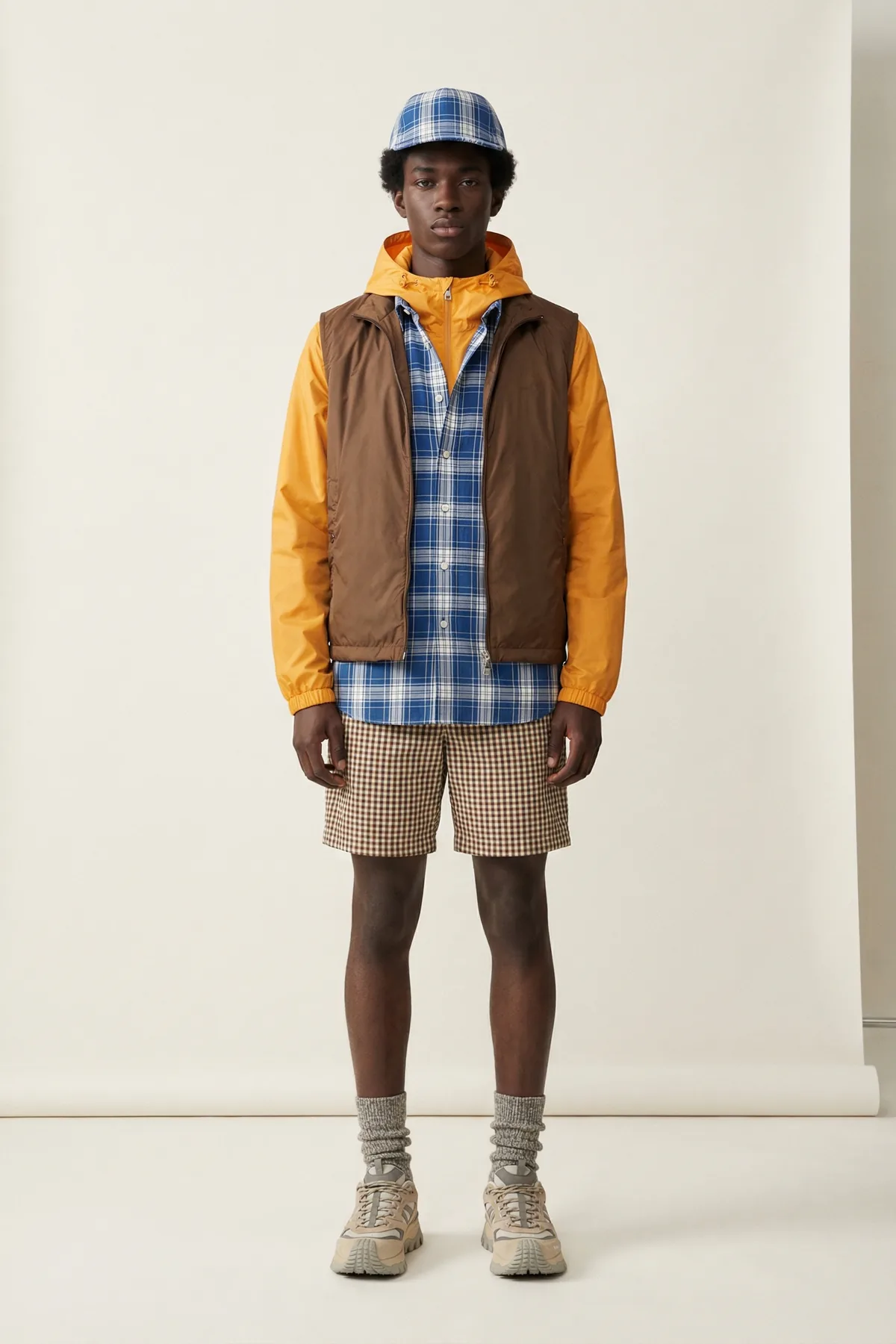
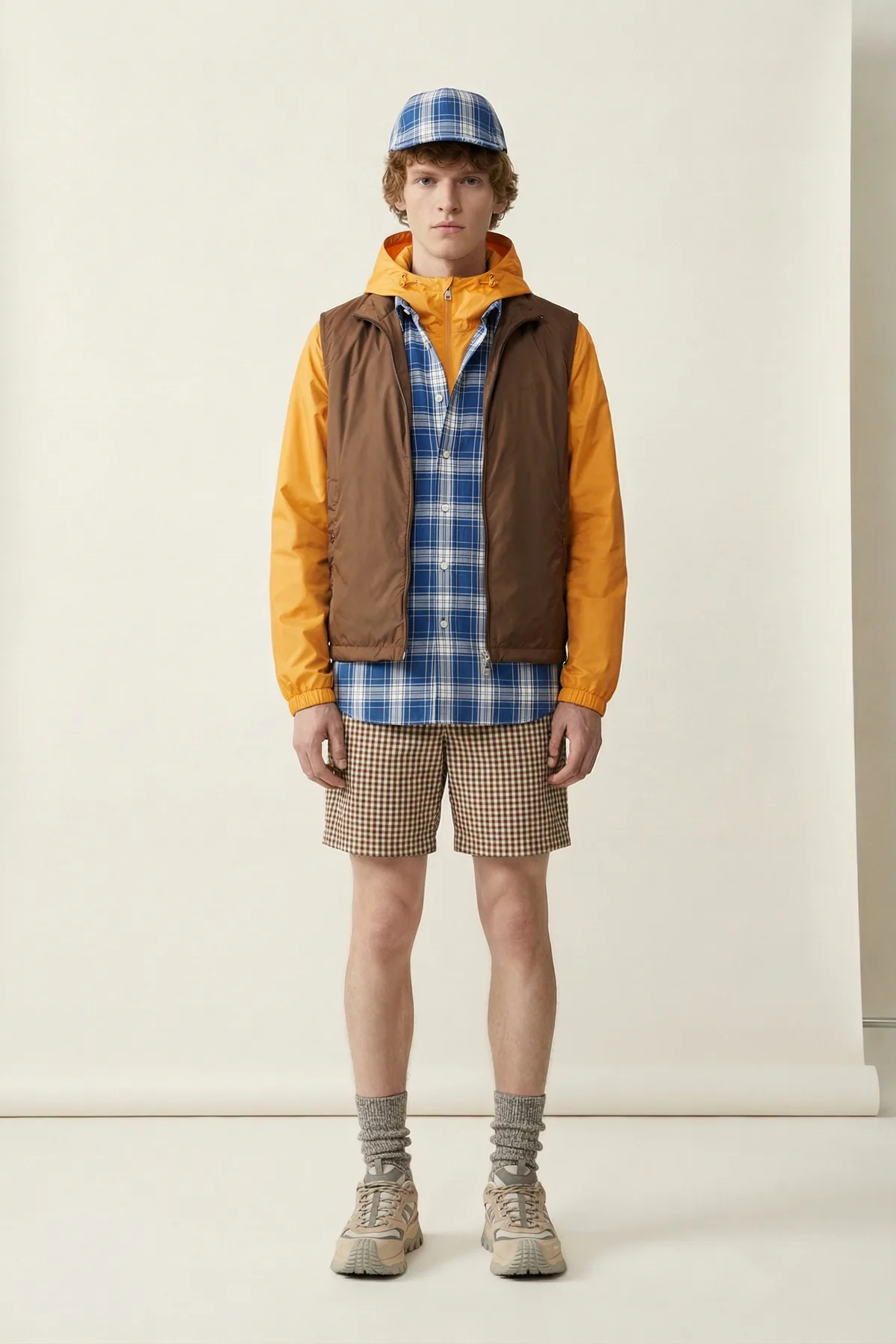
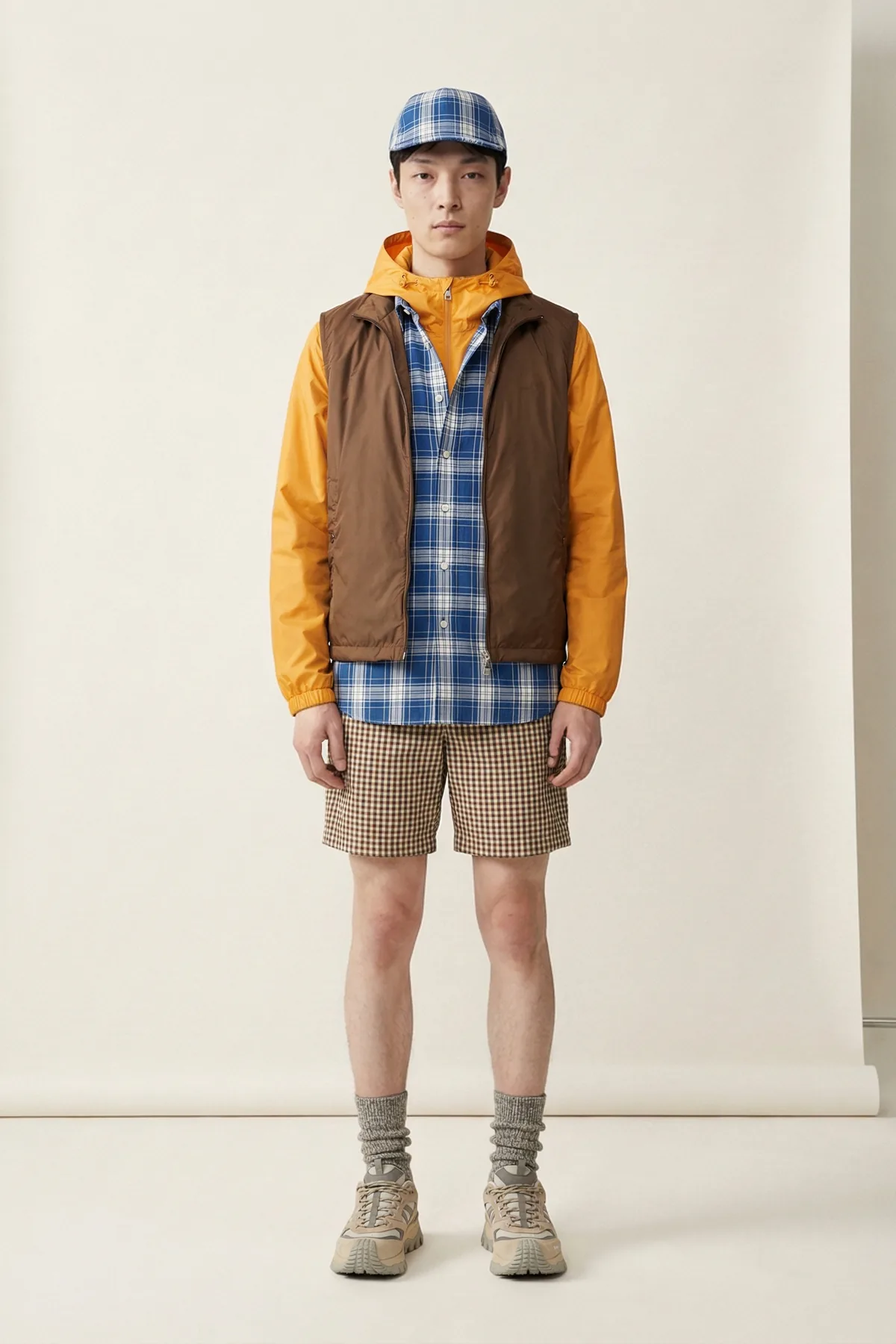
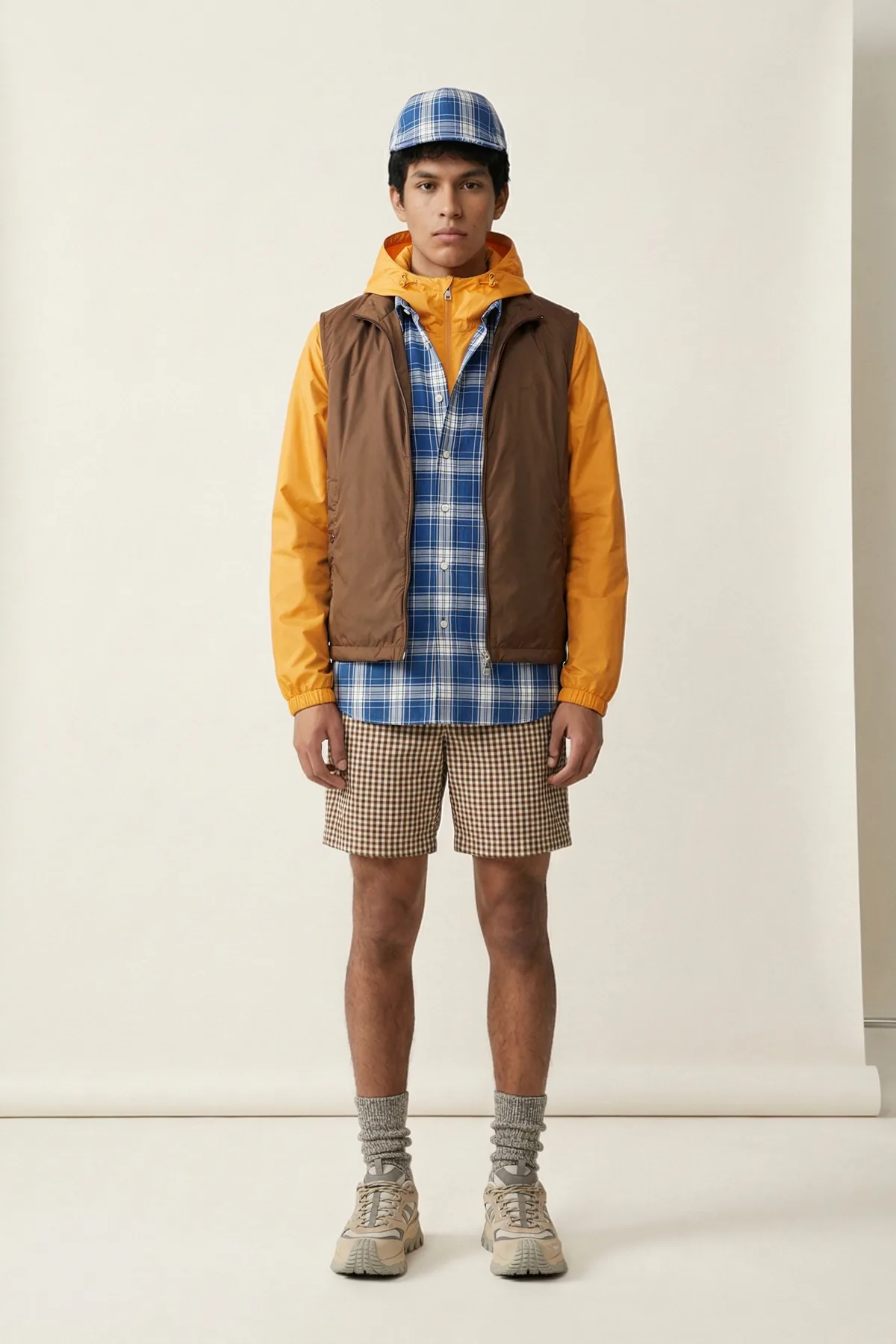
Your kind of photo
What do you sell?
What do you want to do?
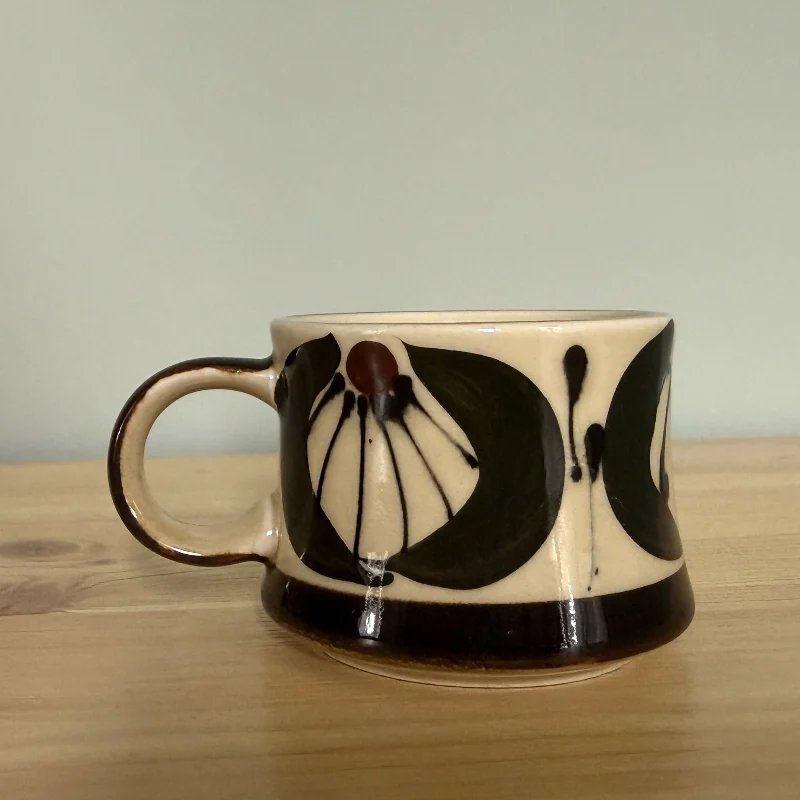
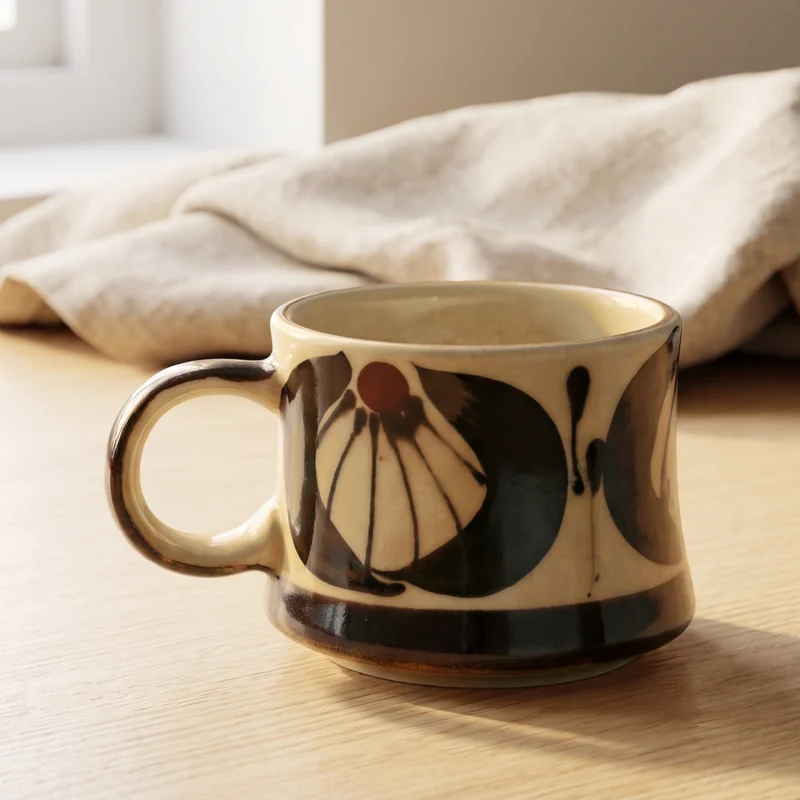
Describe a place and AI photographs the mug there: a pale oak counter, morning light.
Ship it
One look, the whole shoot.
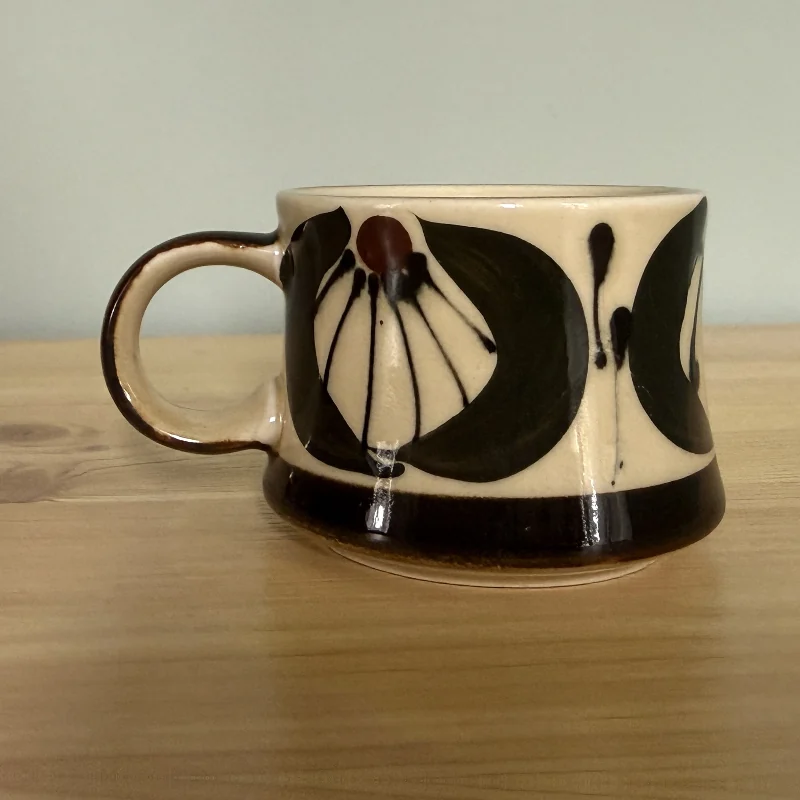
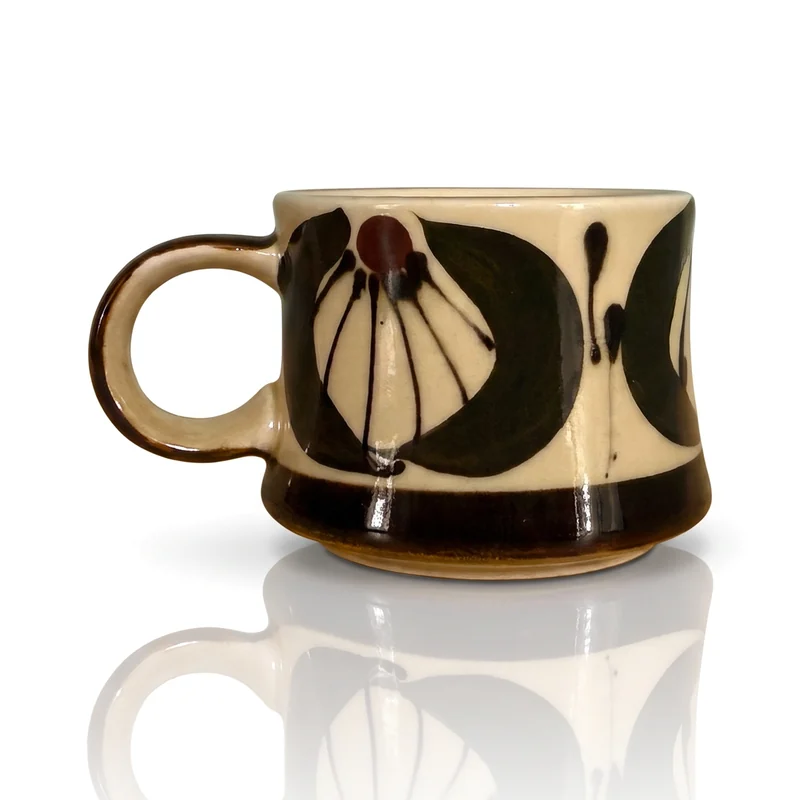
Pick a look once. Every photo gets the same background, floor, crop and size, up to 48 in one press.
 relight ✦
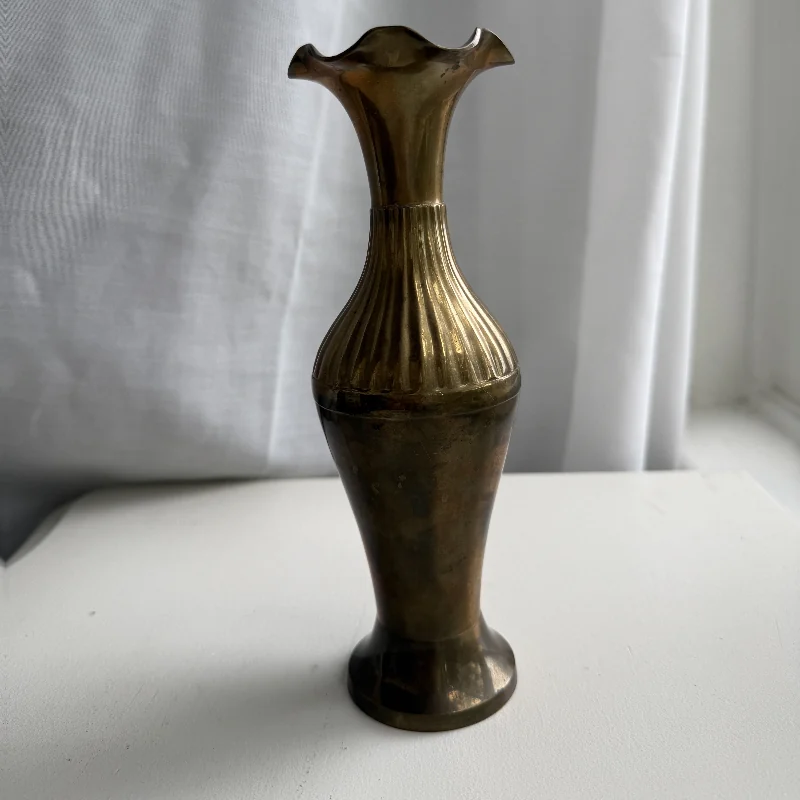
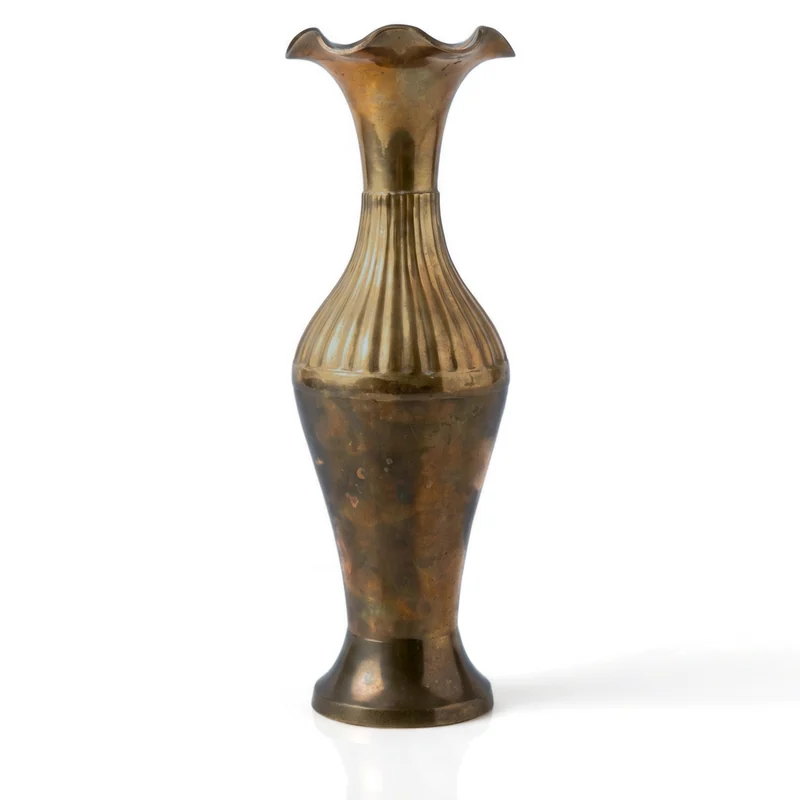 relight ✦
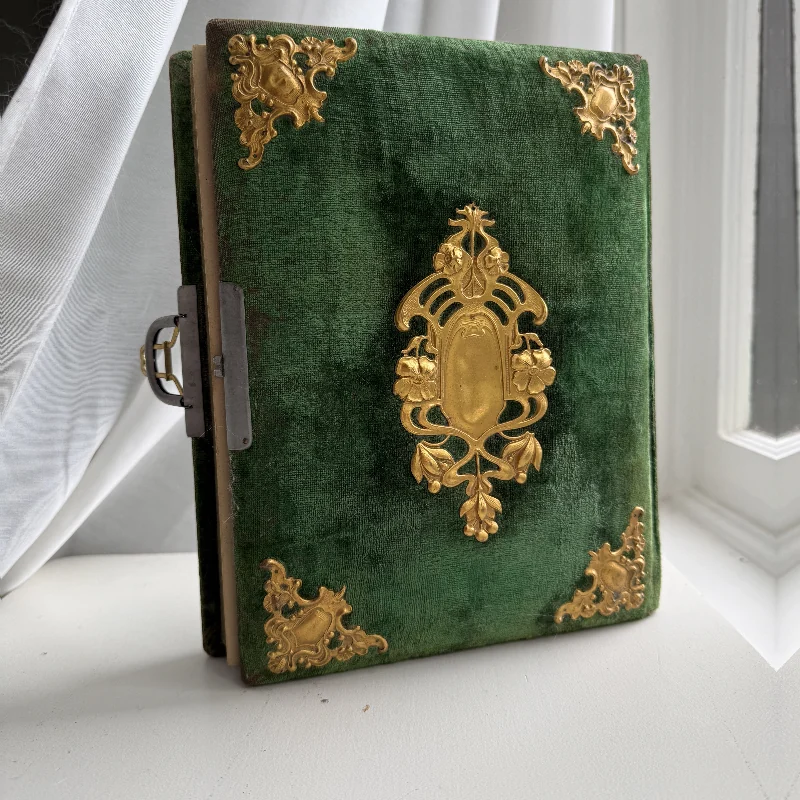
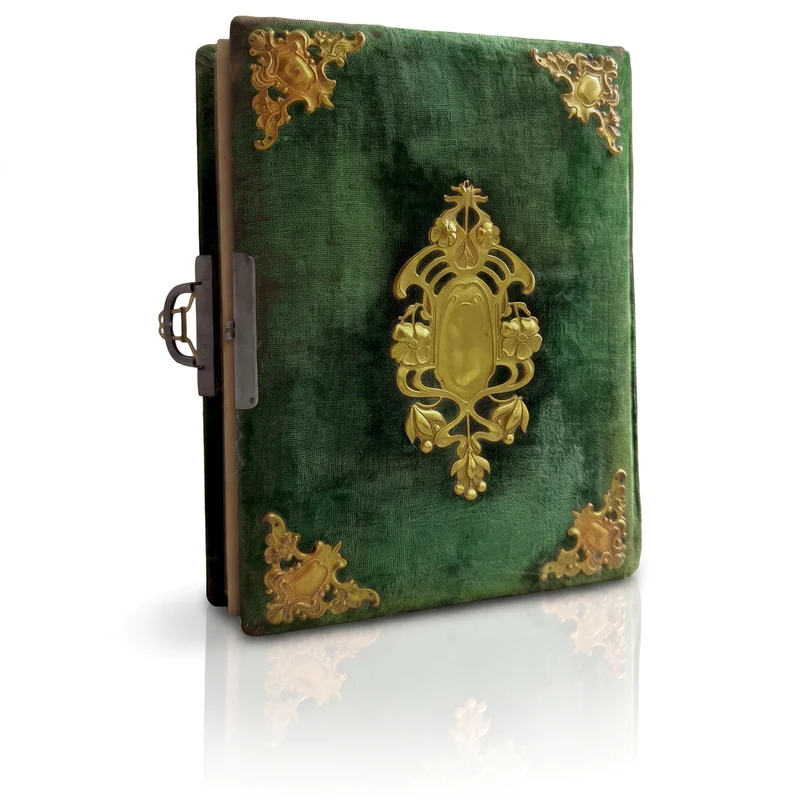 relight ✦
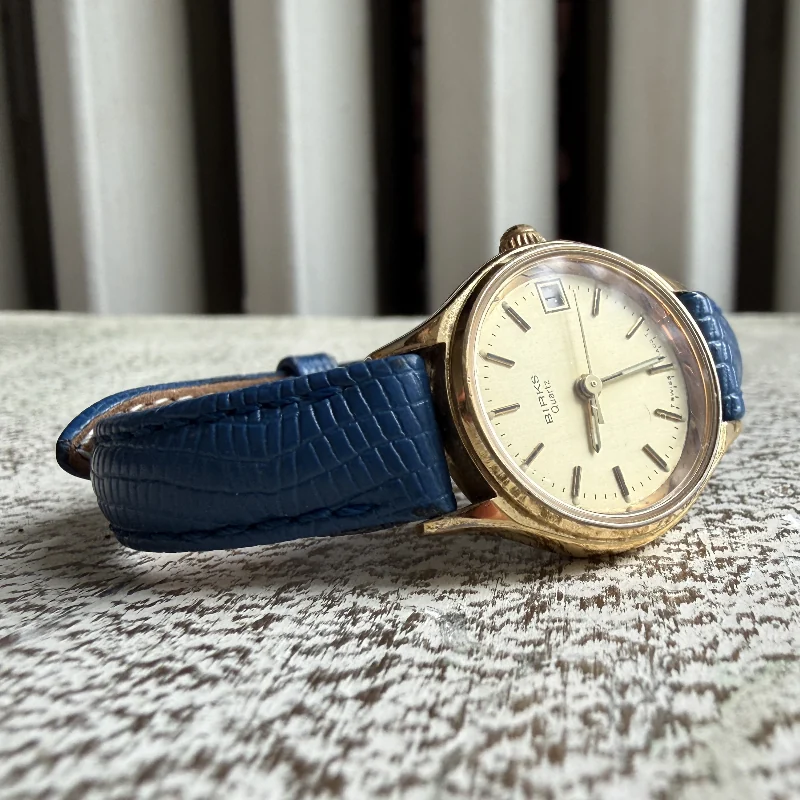
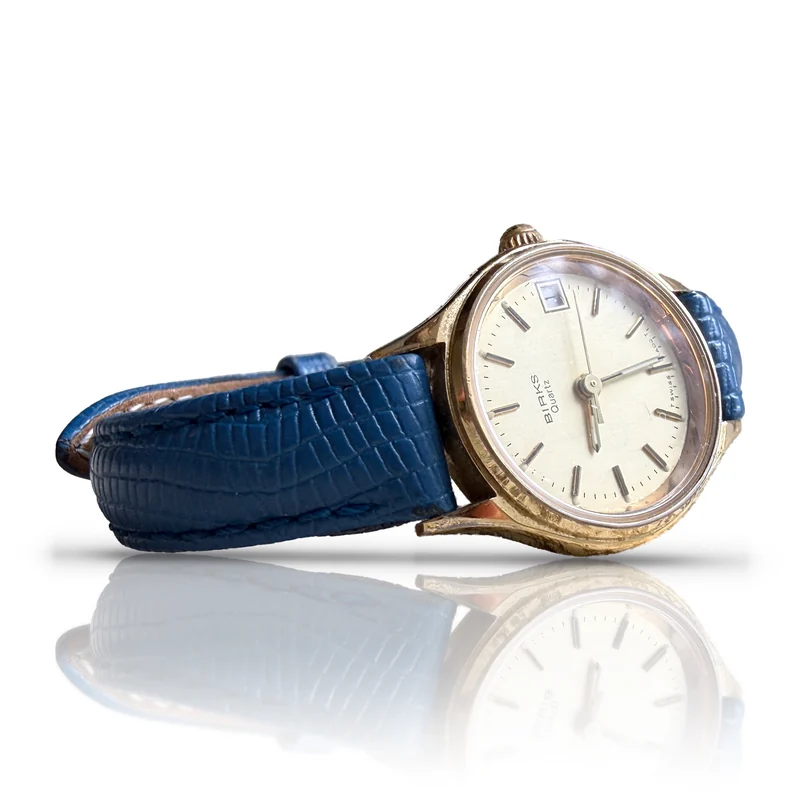 exact
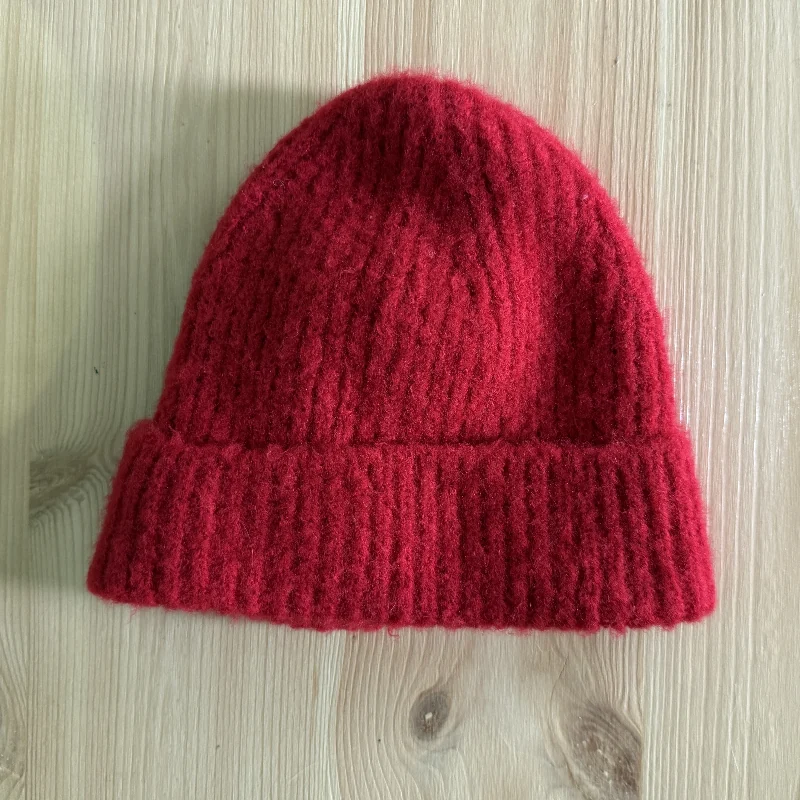
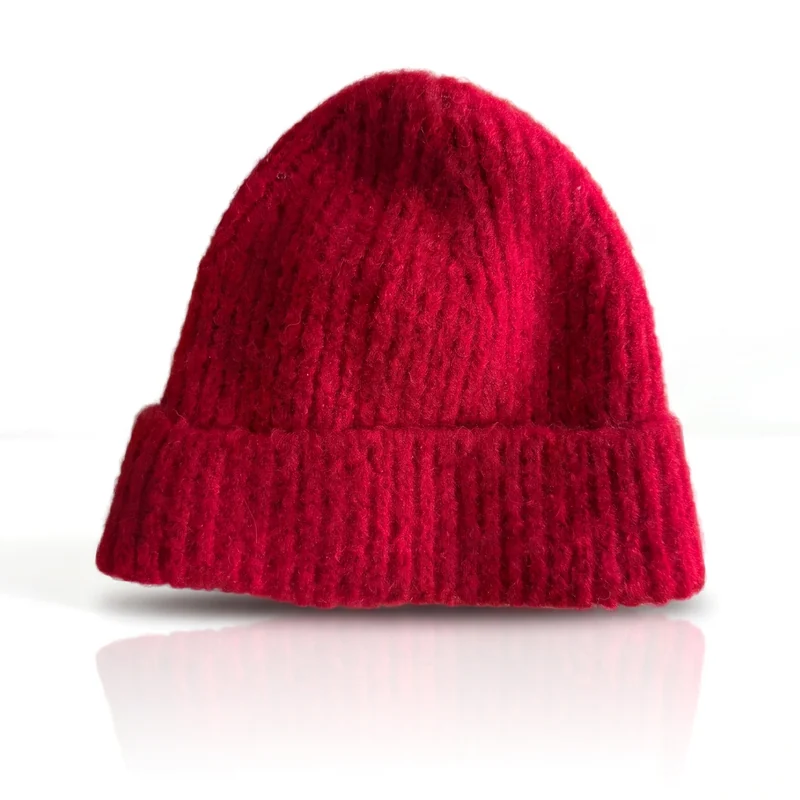 relight ✦
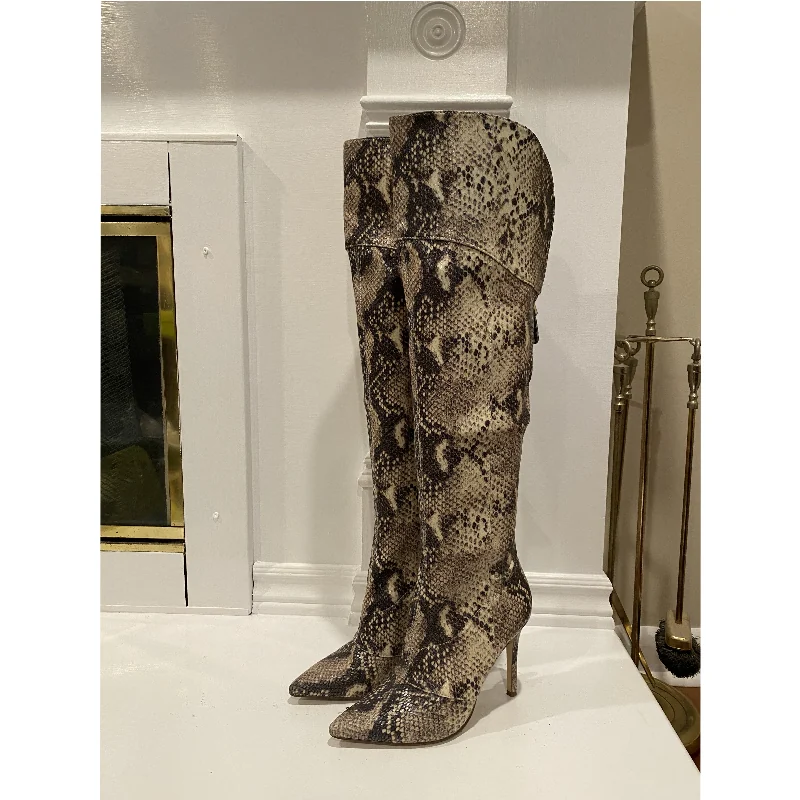
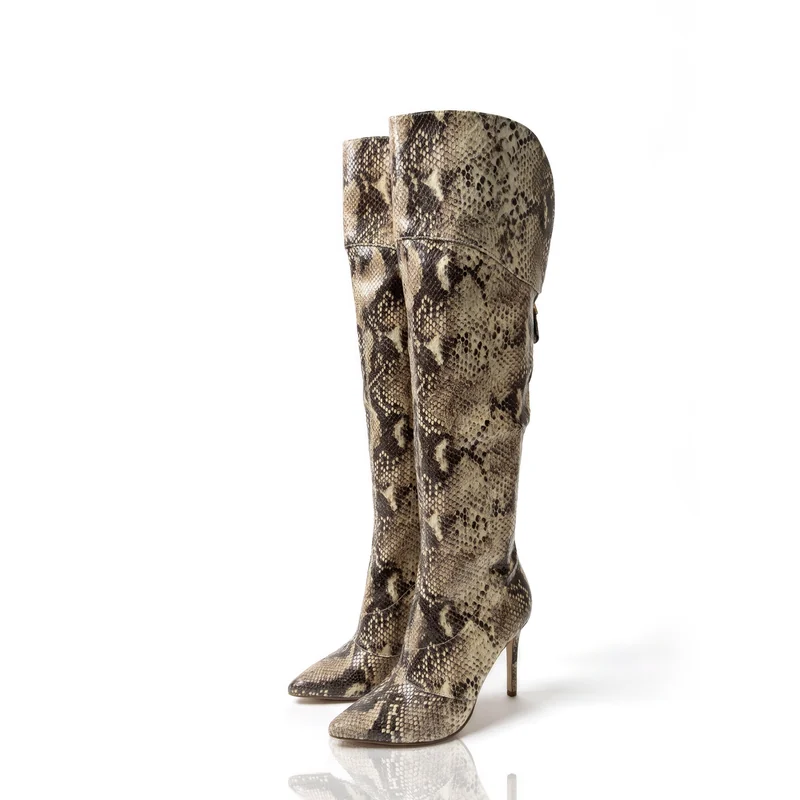 relight ✦
Straight to your store.
Connect your store once, then push the whole shoot. We suggest a listing for each product; you confirm it. Your old photos move down the list. None are deleted.
- Painted mug
- Brass vase
- Velvet album
- Wristwatch
- Knit beanie
- Leather boots
Or just ask.
Connect Retouchable to Claude, ChatGPT or Meta Muse and ask in plain words. It can grade your store’s photos or put a product on white in the same Studio, then return the result to its listing. You never leave the chat.
Put the album on white with a mirror floor and swap it onto its listing.
studio_shot
- background white
- floor reflection
- reflection mirror
- mode relight ✦
push_to_shopify
- product Velvet album
- mode replace
Claude
Done. The new photo is the main image on Velvet album, and Retouchable kept a copy of the old one.
Claude
- Add a connector with this address
- Sign in to Retouchable
- Paste this prompt to start
https://api.retouchable.ai/api/mcp
Use Retouchable to grade my store’s product photos, then put the weakest one on white with a soft shadow and show me the before and after.
ChatGPT
- Add a connector with this address
- Sign in to Retouchable
- Paste this prompt to start
https://api.retouchable.ai/api/mcp
Use Retouchable to grade my store’s product photos, then put the weakest one on white with a soft shadow and show me the before and after.
Meta Muse
- Make a key in Settings → AI agents
- Paste this prompt into Muse
- Add the key where Muse asks
Connect to Retouchable for me. Follow the guide at https://retouchable.ai/connectors/muse.md. I’ve made a key in Retouchable → Settings → AI agents: ask me to add it to your credentials store, not to paste it in the chat.
https://retouchable.ai/connectors/muse.md
Pricing
Free to start. No card.
One AI result is one credit. Cutting your product out is free.
About a quarter less billed yearly.
-
Free
$0for good
10 credits a month · no card
- 10 credits a month, to spend on any tool
- Exports up to 1K, watermarked
-
Plus
$29a month
Billed monthly · $22 a month billed yearly
- 150 credits a month, to spend on any tool
- Every tool: Studio, Clothing, Put on a model, Face swap and more
- No watermark, exports up to 2K
- Google Drive · 5 GB storage
-
Pro
$99a month
Billed monthly · $74 a month billed yearly
- 500 credits a month, to spend on any tool
- Exports up to 4K, no watermark
- FabricIQ: fabric retouching that keeps logos and hardware
- Priority processing
- Google Drive, Dropbox and Box · 3 seats, 3 workspaces, 25 GB storage
Prices exclude tax, which may be added at checkout.
Questions
Asked before signing up.
What is Retouchable?
An AI product photo editor for online sellers. It turns a phone photo into a studio shot: a new background, a shadow or reflection, clean-up ✦ or a new colour ✦. In Clothing, a garment can be laid flat ✦ or shown on an invisible mannequin ✦, and Put on a model ✦ shows it worn. Spot Edit ✦ changes one framed part and leaves the rest as shot. In Exact, nothing is re-drawn, and anything AI draws is marked ✦. Push the results to Shopify, WooCommerce or Etsy, or download them.
Will AI change my product?
Only where you choose it. In Exact, your product is cut out of the photo you took and set on the new background, with nothing re-drawn. Looks marked ✦ use AI to draw new pixels, and they’re labelled wherever they appear.
Do I have to write prompts?
No. You pick a background, a floor and how the photo is made, and save that as a look. A scene can start from three quick questions, and we write it for you.
How many photos at once, and how long does it take?
Up to 48 in one press, all with the same look. Most photos take under a minute, one after another, so a full press usually finishes in about half an hour. The review opens with the first photo, so you check each while the rest arrive.
Do I need a lightbox or a photographer?
No. A phone and a table are enough. Daylight from a window helps: in Exact, your photo’s own light is corrected, never replaced.
Do I need a Shopify store?
No. Download your photos as PNG, JPG or WebP and use them anywhere, or push them to Shopify, WooCommerce or Etsy.
What happens to my listings?
Push all adds your photos to the listings you already have, and the first can become the main image. It never deletes a photo or changes a title, price, description or stock.
Can I use them on Etsy?
Yes. Connect your Etsy shop and push a photo straight onto a listing, active or draft: as the main photo, in place of it, or after the others. Etsy shows transparent backgrounds as black, so use white or a colour there.
Do you train AI on my photos?
No. We never use your photos to train AI, and neither do the services that process them for us. Google’s Gemini API (on our paid plan) and Anthropic’s Claude API don’t train on what we send them. Replicate, which runs our cutout and upscaling models, uses your photo only to run the model and deletes it within an hour.
What do I get for free?
10 credits a month, for as long as you like, with no card. A credit is one AI result from any tool: a studio shot, a clean-up, a recolour, a flat lay or a model. Free exports are up to 1K, and watermarked after the first two photos you spend a credit on. Cutting your product out of a photo costs nothing. Plus ($29 a month) and Pro ($99 a month) lift the watermark and give you 150 or 500 credits a month.
What happens when I run out of credits?
Your library stays open, and you can still cut products out for free. Credits come back every month, and unused ones don’t carry over.
Can I cancel any time?
Yes, in Manage Billing. Your plan runs to the end of what you’ve paid for, then moves to Free.
Who owns the photos?
You do. We claim no ownership of your uploads or your results.
Start with a photo you took.
10 credits a month, no card. On Shopify? Sign in with your store and it’s connected from the first minute.